Scan in seconds
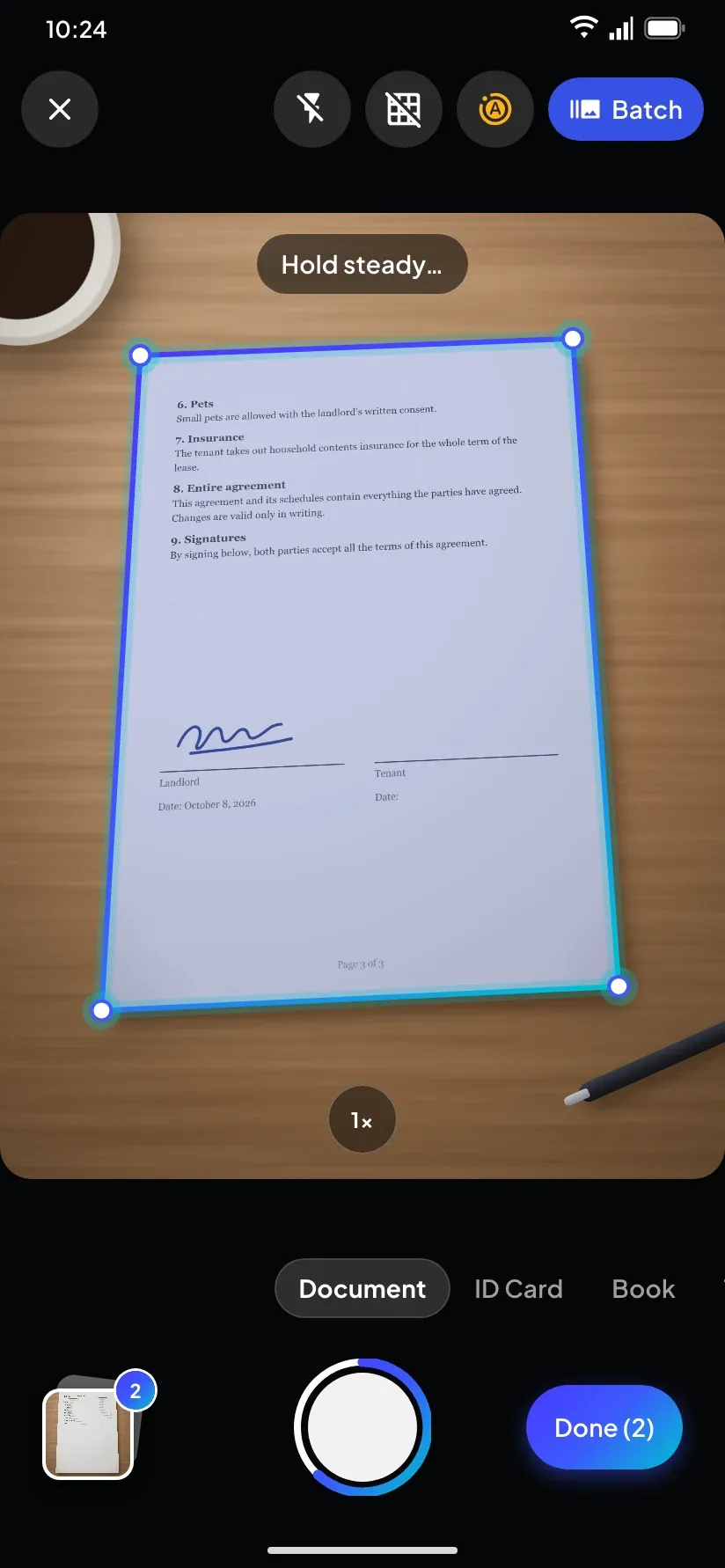
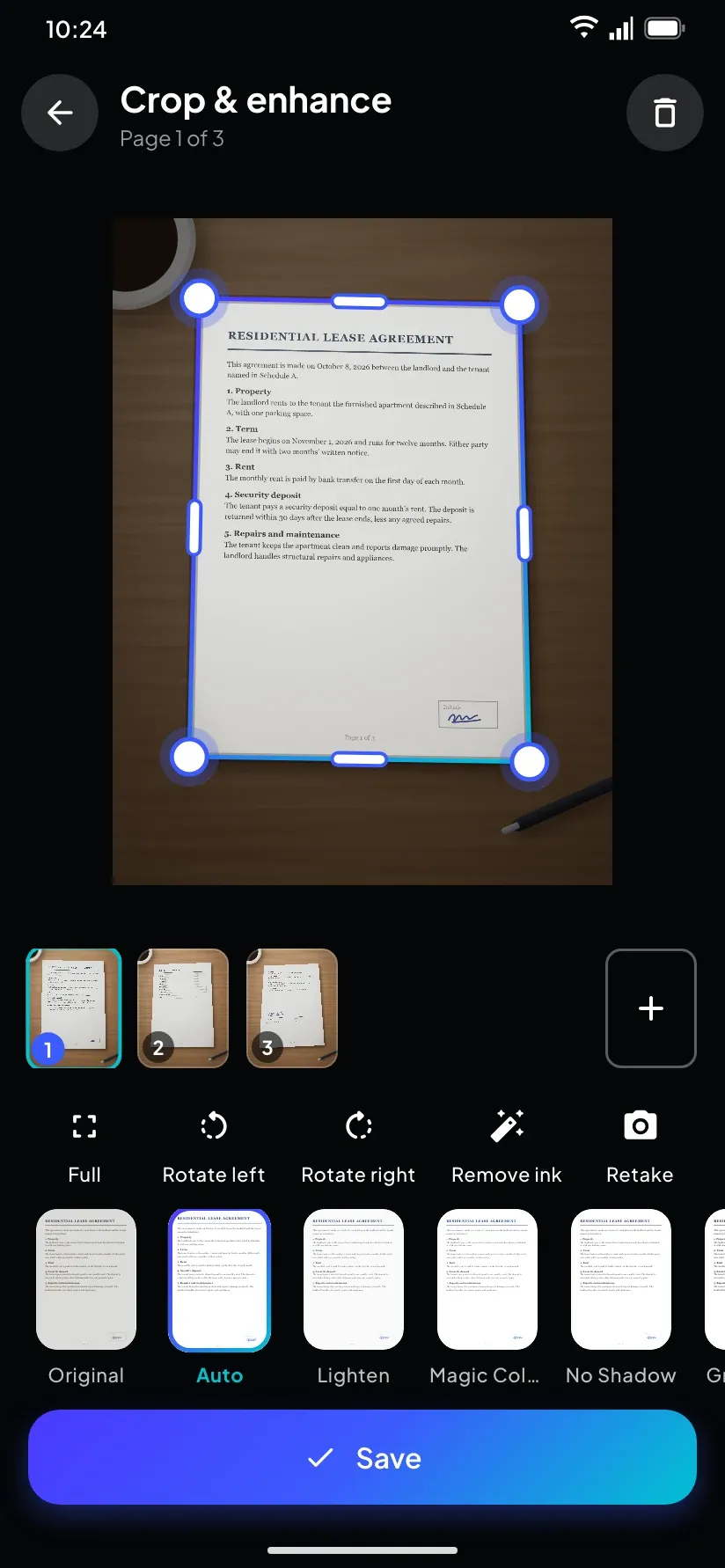
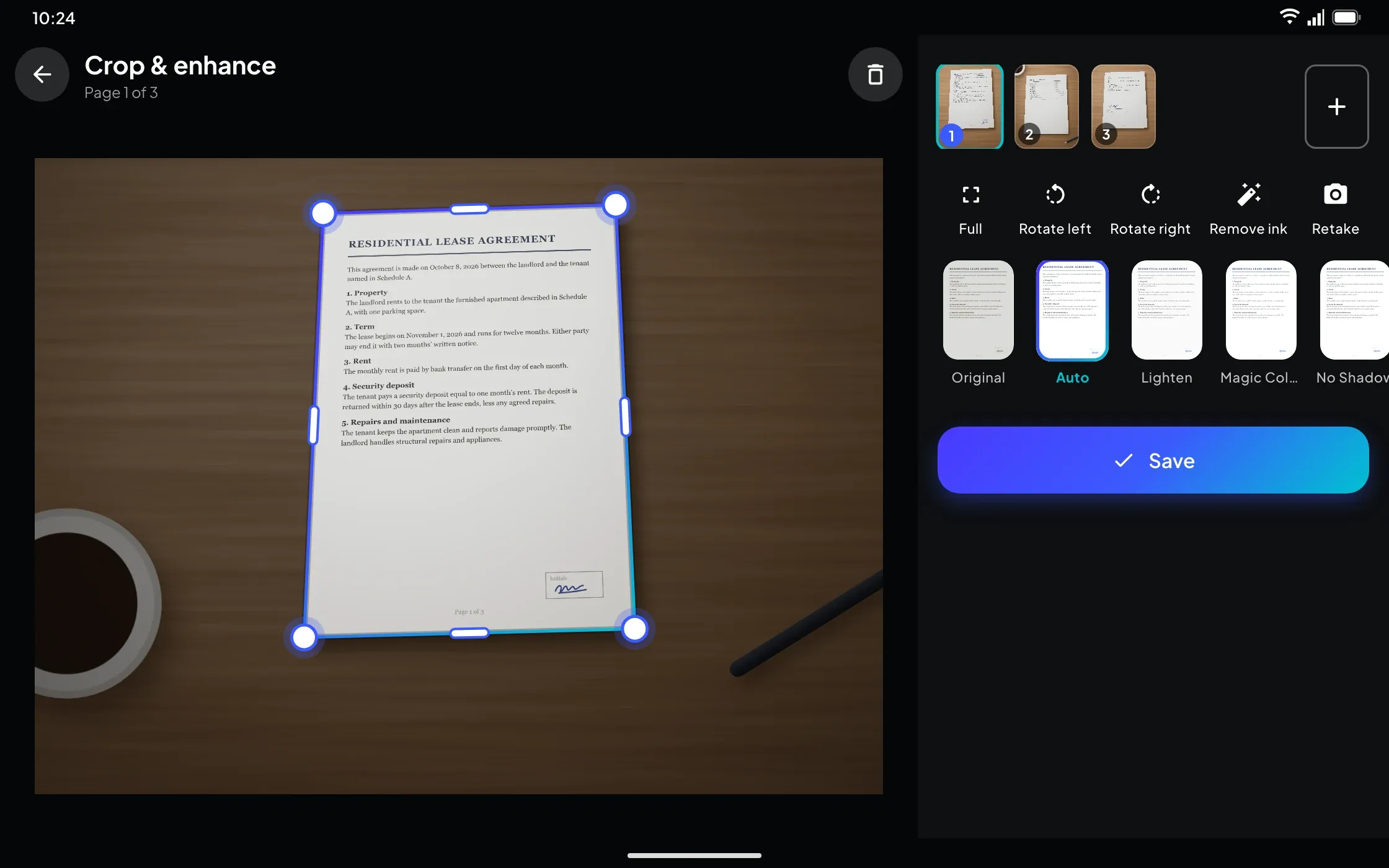
A live outline finds the page and captures it when you hold steady. Batch mode takes many pages in a row, and you can re-crop later from the original.
PlainPage scans paper with your camera, straightens and cleans up each page, and reads the text on your device so every scan is searchable. Export to PDF, Word or PowerPoint, sign and protect PDFs — with no ads, no watermarks and no account.
Scan, search and sign documents, privately.


A live outline finds the page and captures it when you hold steady. Batch mode takes many pages in a row, and you can re-crop later from the original.
Ten filters, including No Shadow, B&W, Eco and Whiteboard, remove shadows and uneven light. Erase Ink lifts pen marks and keeps the printed text.
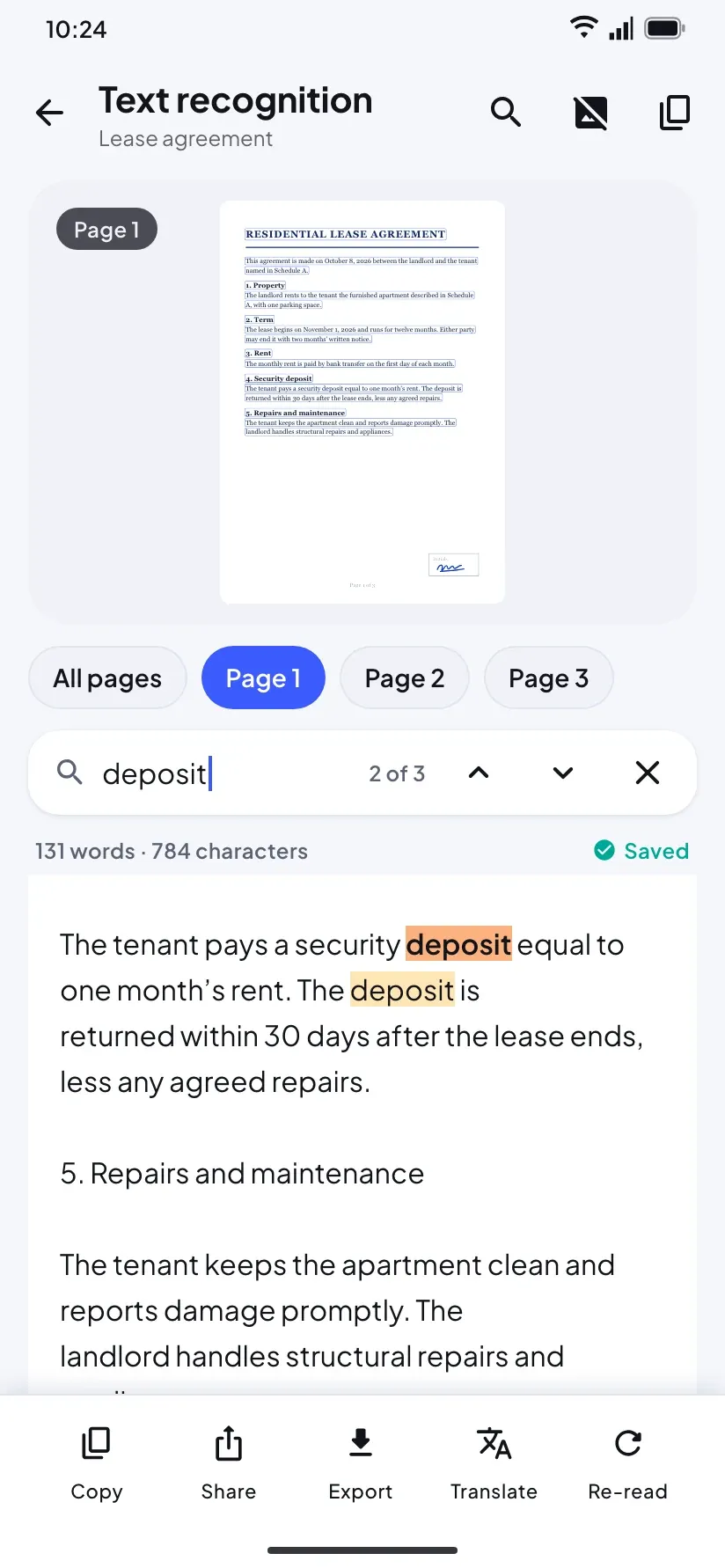
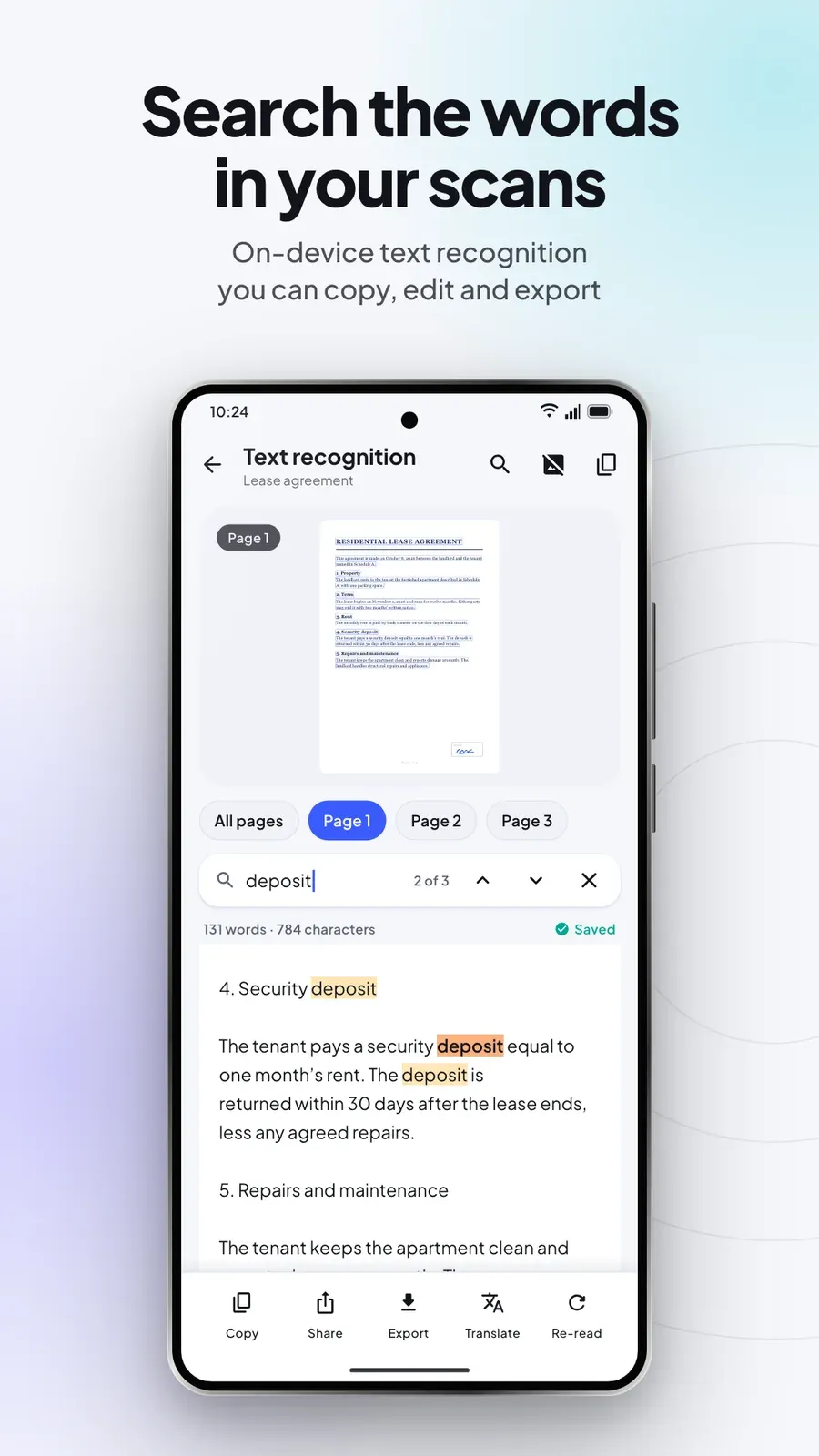
Text recognition runs on the device for Latin, Chinese, Japanese, Korean and Devanagari scripts. Search one scan or your whole library.
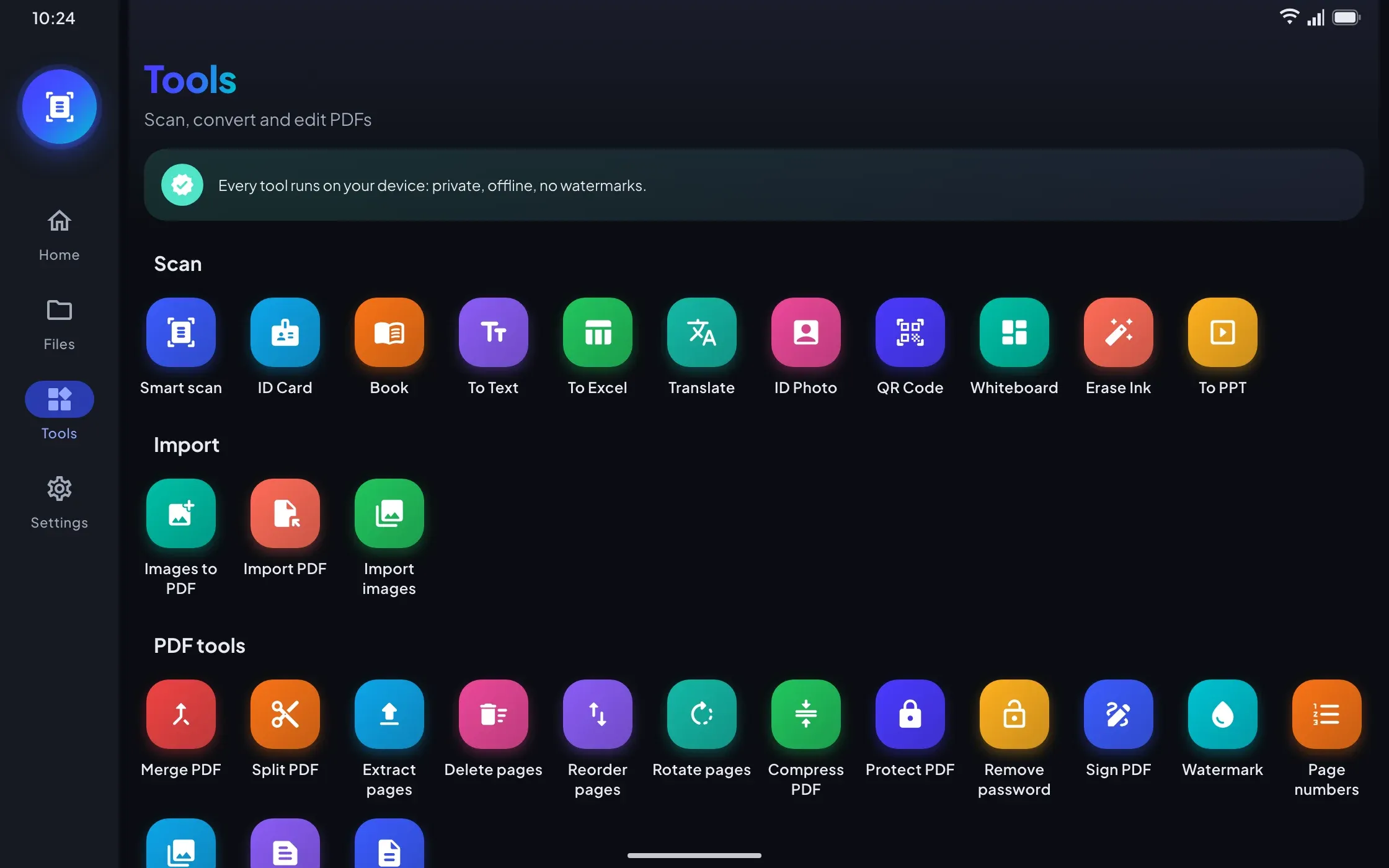
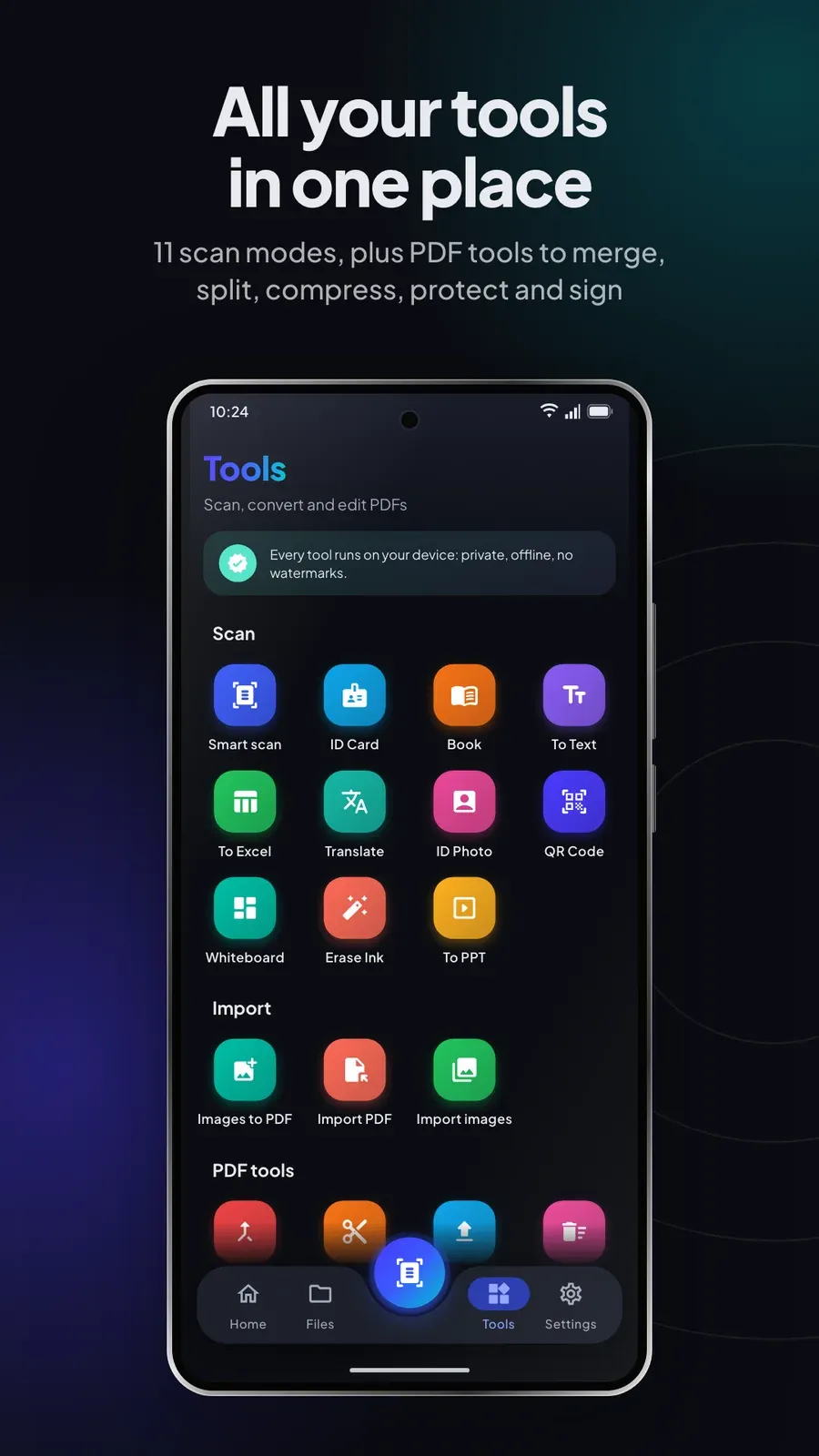
Merge, split, compress, rotate and reorder PDFs, extract or delete pages, add a password or a watermark, and turn images into a PDF or a PDF into images, text or Word.
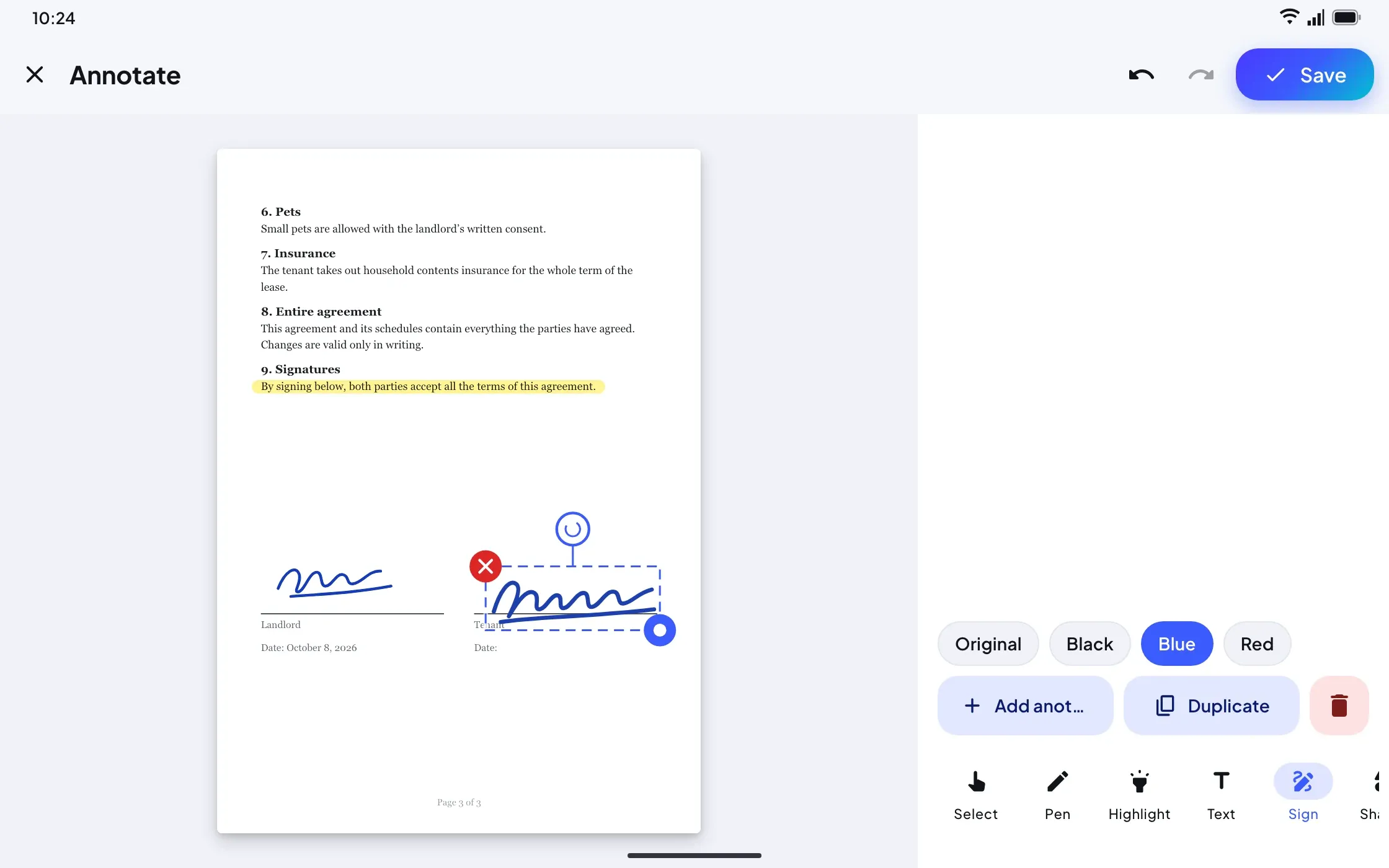
Annotate with a pen, highlighter, text and shapes, then place a saved signature on any page. Export to PDF, Word, PowerPoint, text, JPG, PNG or ZIP, and lock a PDF with AES-256.
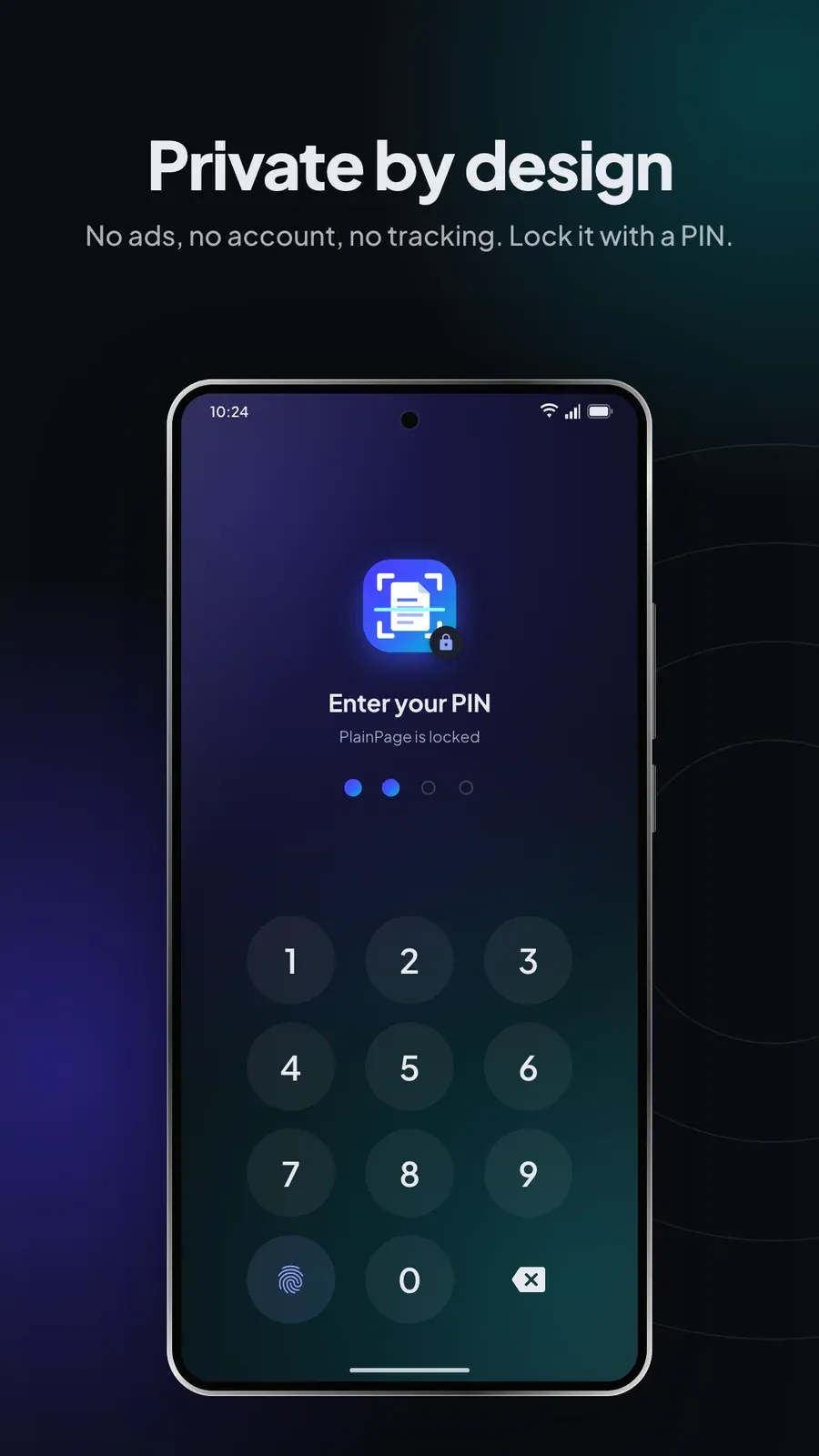
Scans live in PlainPage’s private storage and are never uploaded. There is no account, no analytics and no crash reporting, and an optional app lock uses a PIN with fingerprint or face unlock.

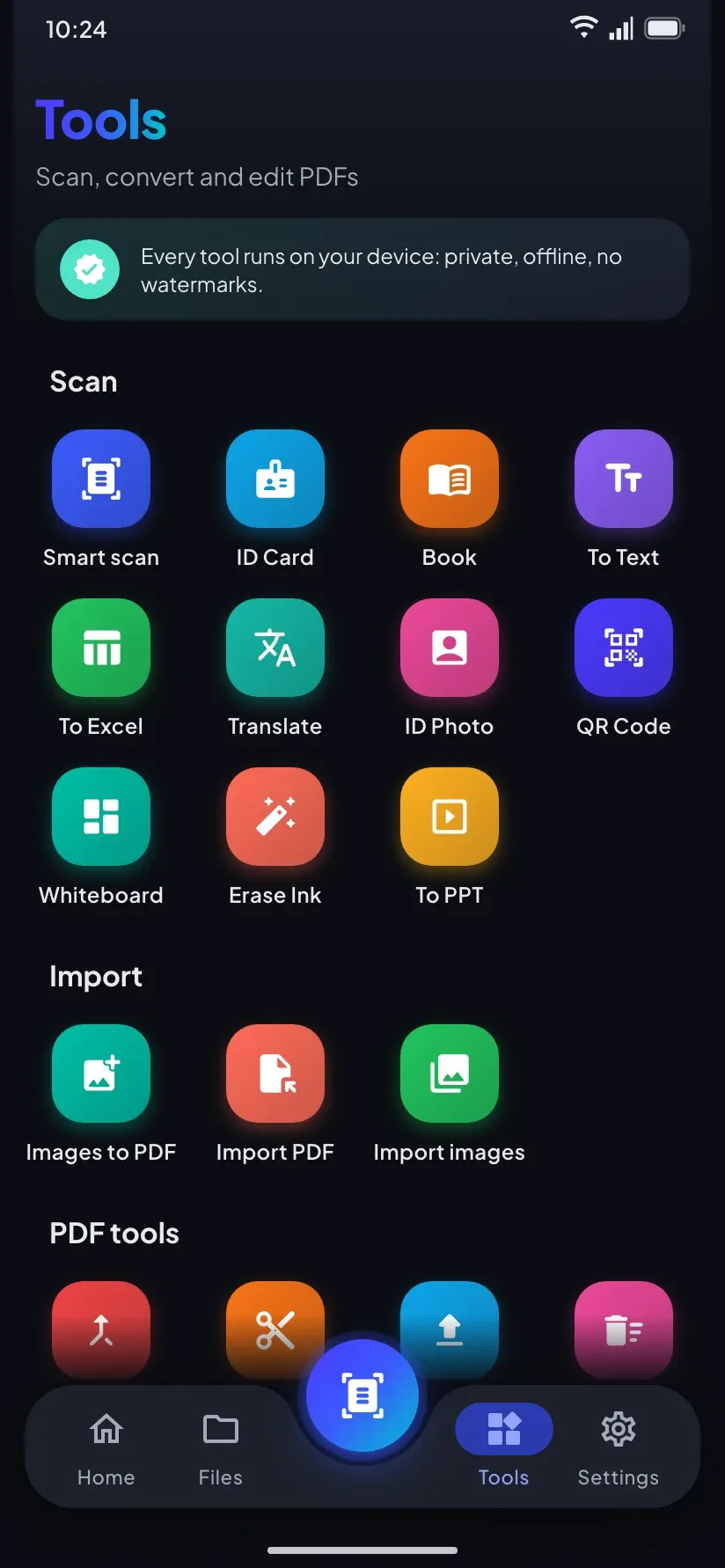
Document, ID Card, Book, Whiteboard, QR Code, To Text, To Excel, To PPT, Erase Ink, Translate and ID Photo. Book splits a two-page spread into two pages.
Drag the corners, rotate, reorder or retake pages, and apply a filter to one page or the whole document.
Exported PDFs carry an invisible text layer you can select and search. Copy the text or translate it — language packs download once, then work offline.
To Excel finds the rows and columns of a printed table and saves an Excel (XLSX) or CSV file.


Plays from YouTube when you press play.
6 screenshots from the Google Play listing — phone and tablet.



Text recognition is made for printed text, so handwriting may not be recognised. Signatures are image stamps, not certified digital signatures, and the app lock does not encrypt your library.
$9.99 on Google Play — pay once, keep it. Also on the Amazon Appstore.


 SayboldPrivate voice typing, processed on your device.
 DropEmSend files to phones, TVs and PCs, with no internet.
 ColoriniA calm coloring book for kids aged 2 to 8.
 BudgetPadA private budget calculator and spending tracker.
 FLM StudioA complete music studio for phone, tablet and TV.
 Total OfficeDocs, sheets, slides and PDFs in one offline app.