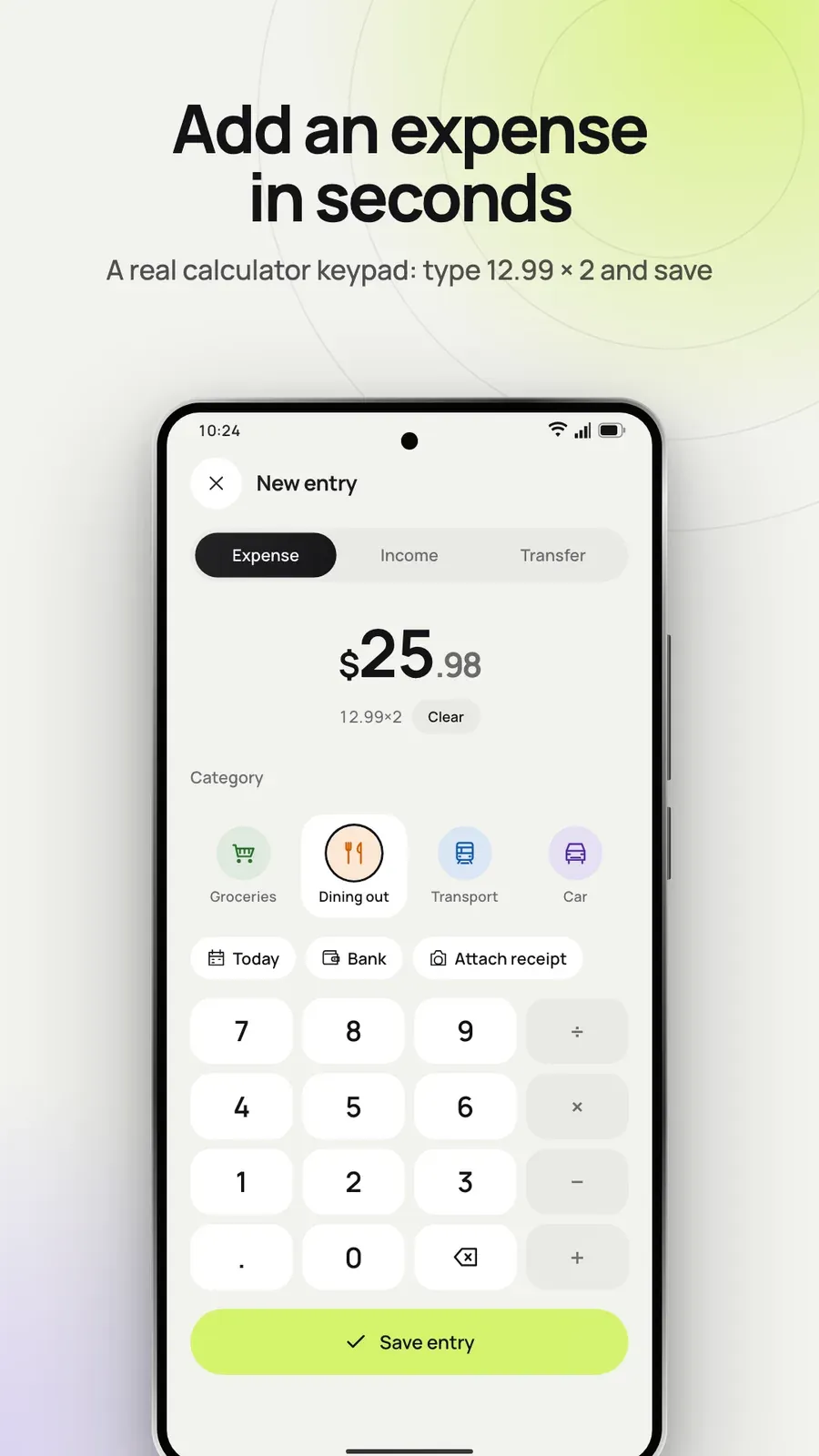
Add an entry in seconds
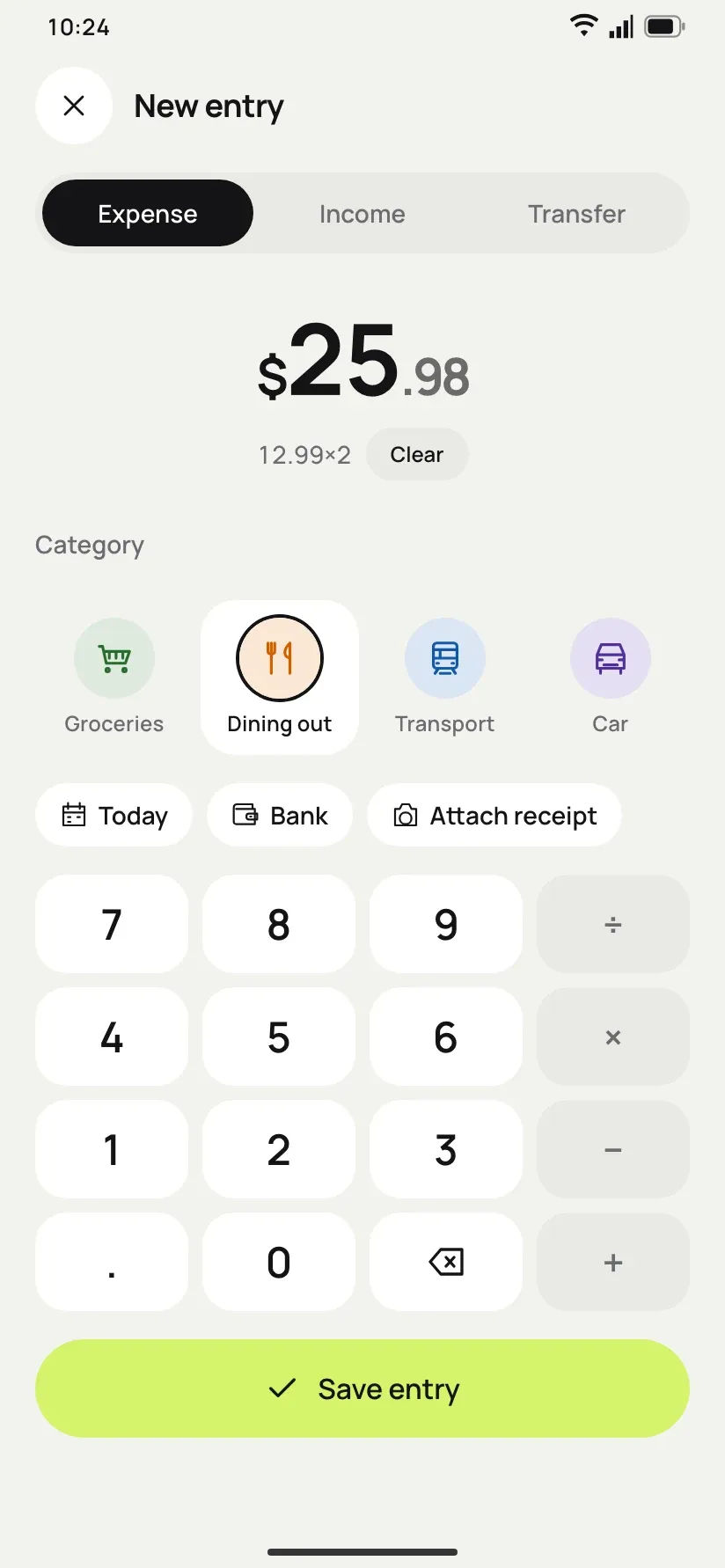
Tap + and use the calculator keypad. Type 12.99 × 2 + 5 and BudgetPad saves the result, with a category, account, note or receipt photo.

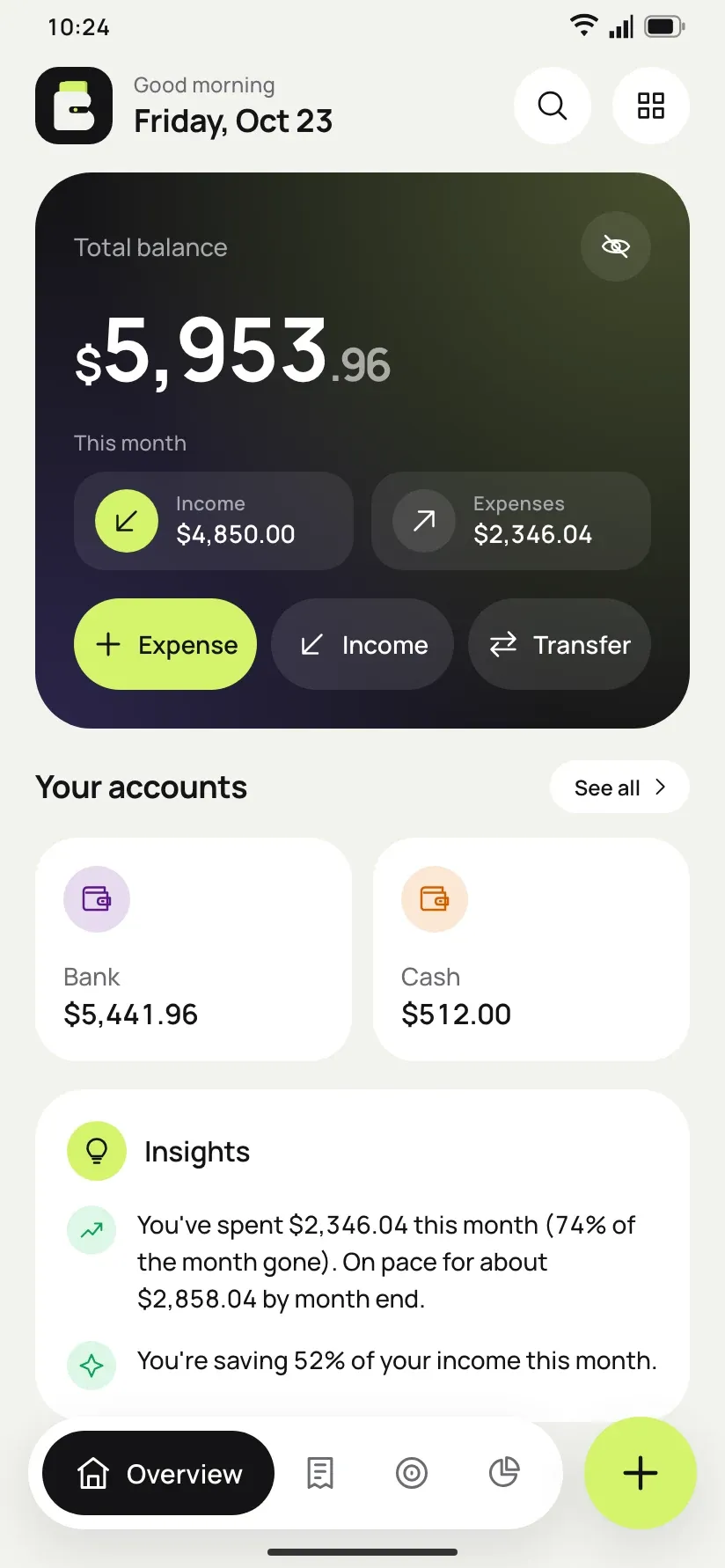
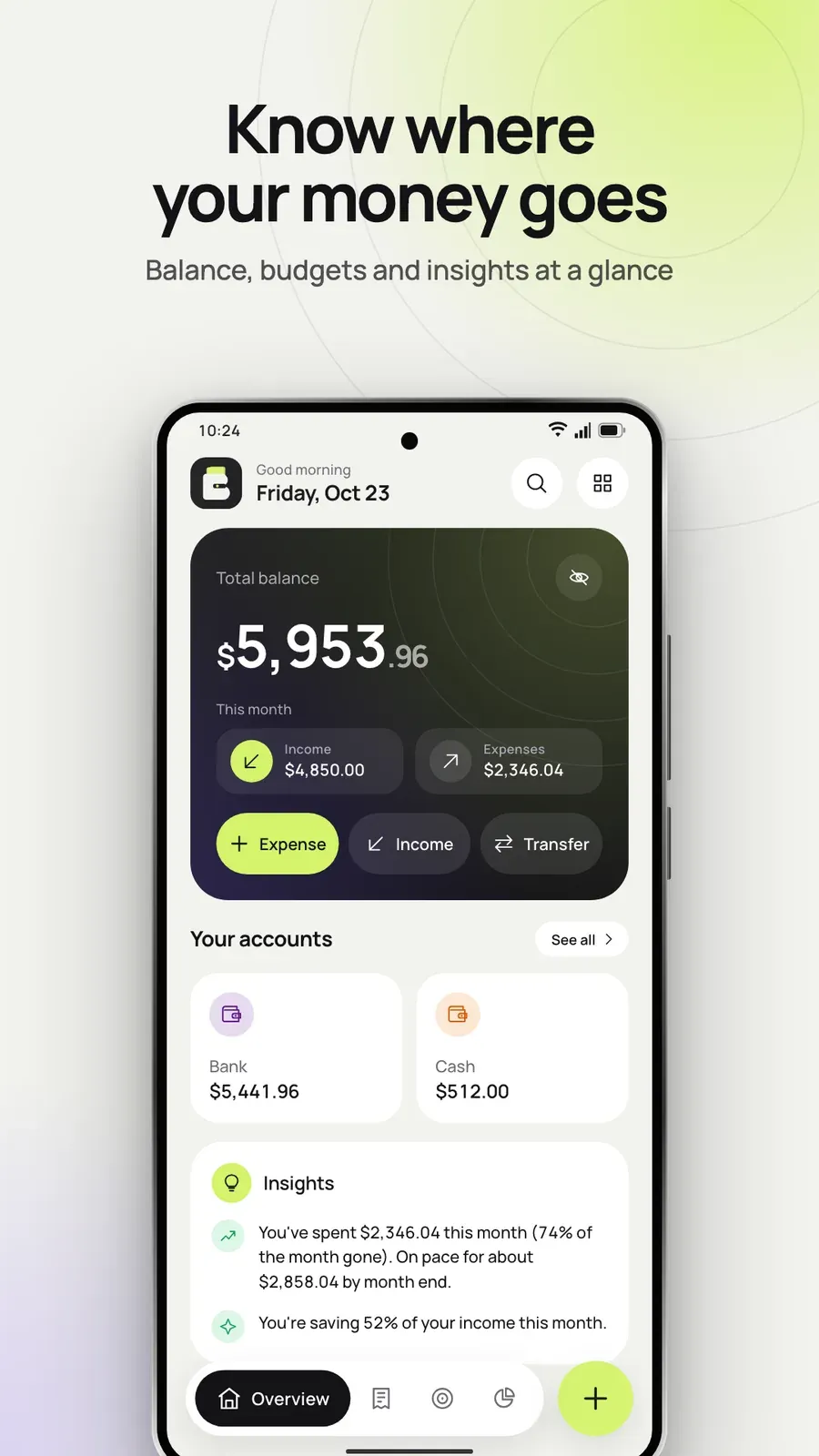
BudgetPad is a budget calculator and expense tracker for people who like to record their money by hand. Type an amount on a calculator keypad, set a monthly budget and see where it goes on clear charts — offline, with no account and no ads.
A private budget calculator and spending tracker.


Tap + and use the calculator keypad. Type 12.99 × 2 + 5 and BudgetPad saves the result, with a category, account, note or receipt photo.
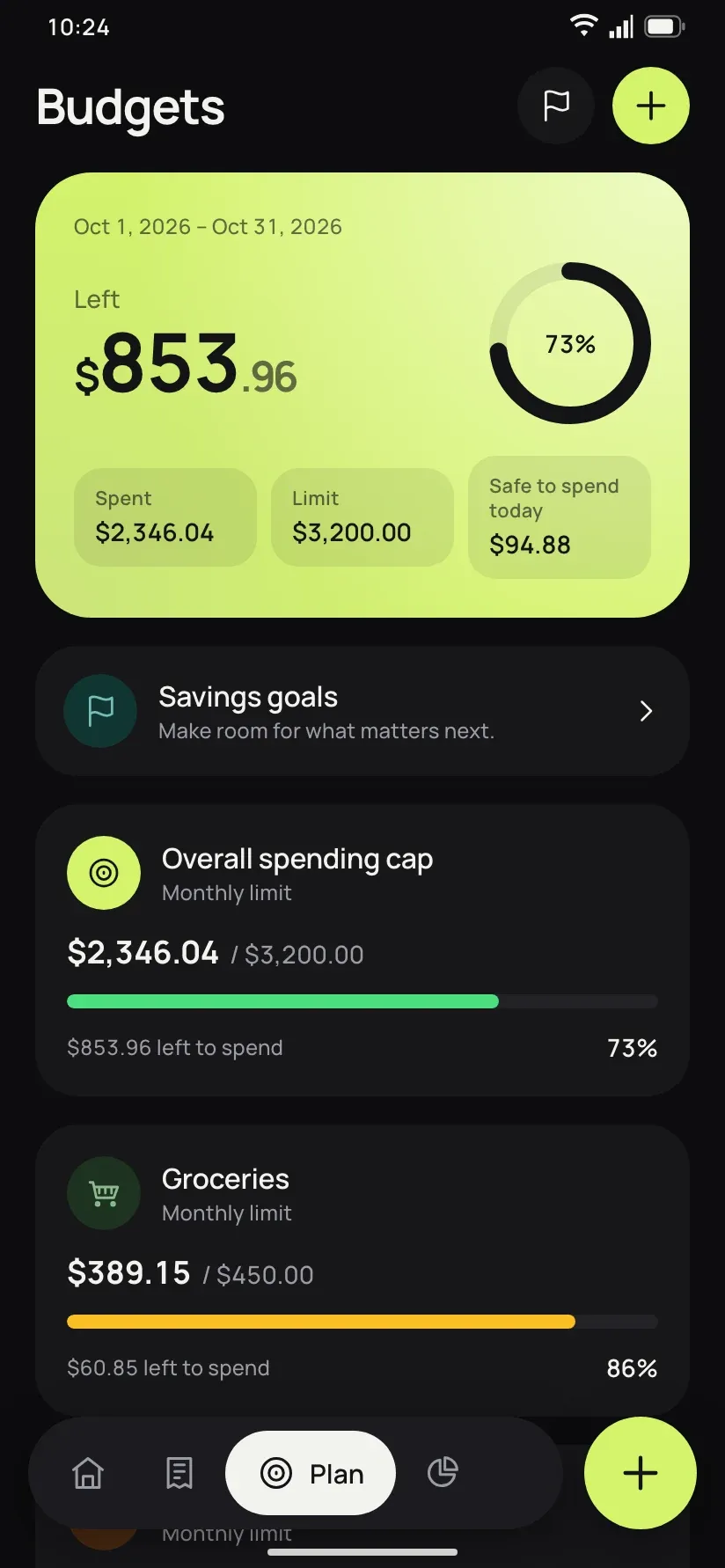
Set an overall budget or a limit per category. BudgetPad shows what is left and how much is safe to spend each day until the budget month ends.
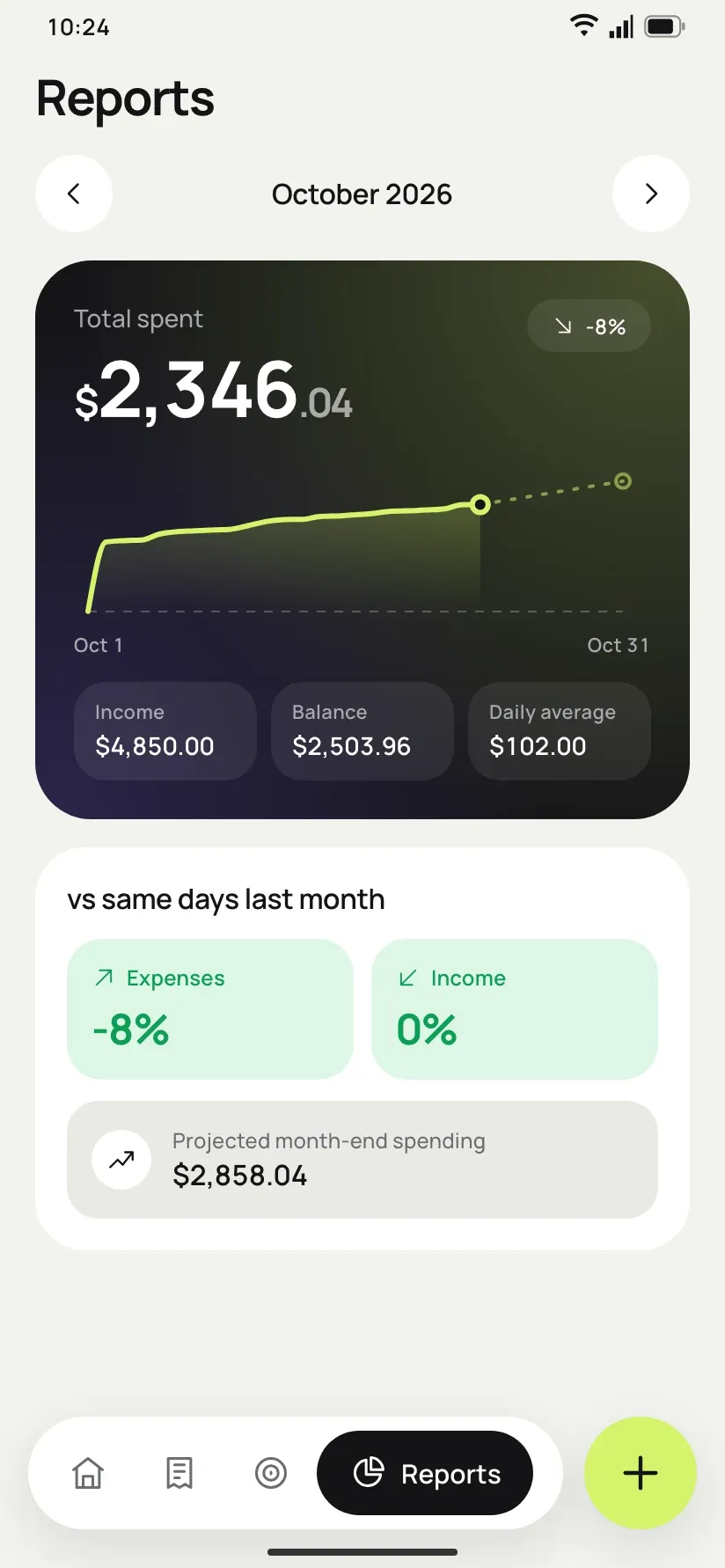
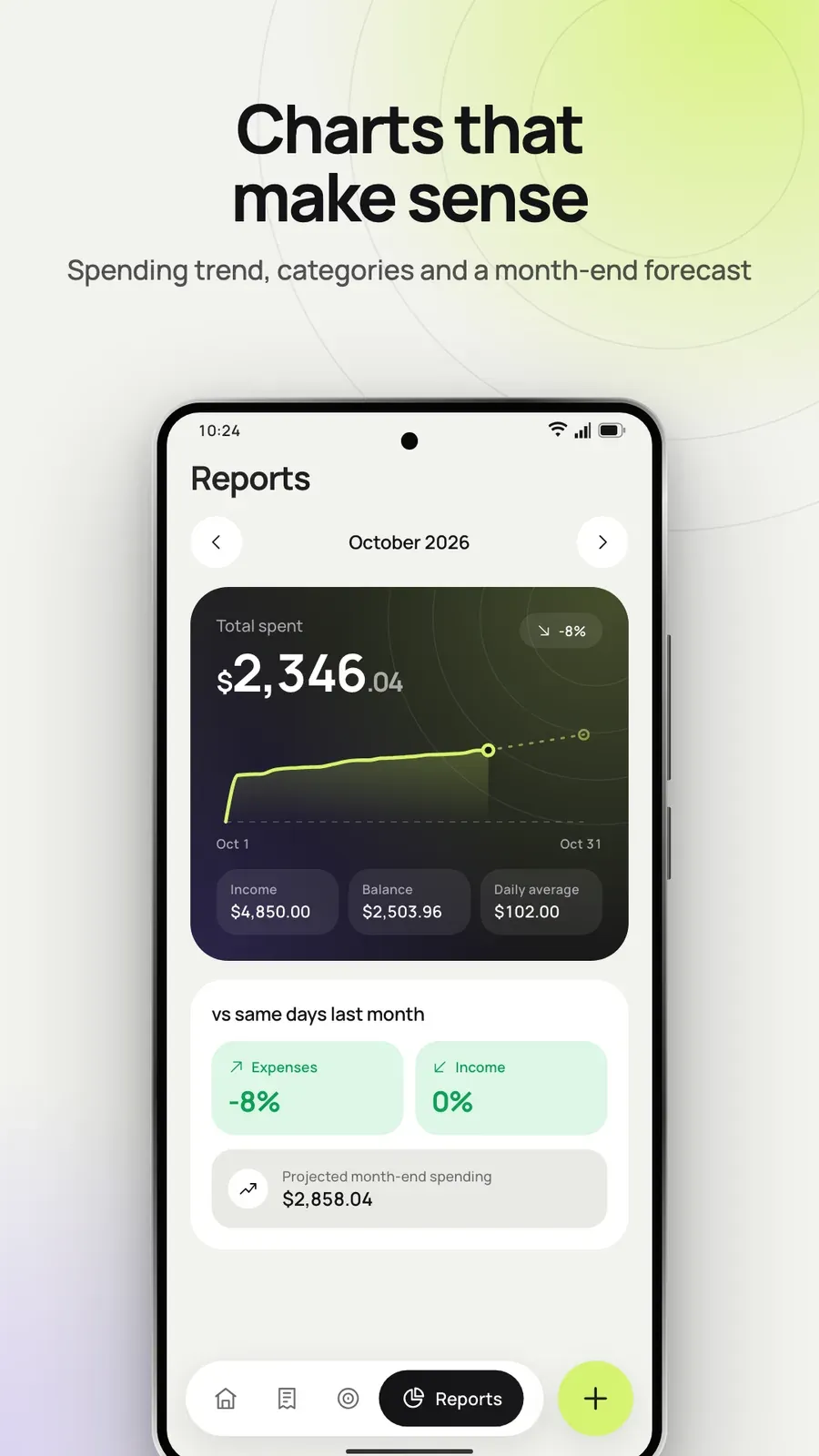
A month-to-date spending curve with a month-end forecast, plus a comparison with the same days last month.
See entries by day, on a calendar with daily totals, by week, by month or in total. Search notes and categories, and delete several entries at once with undo.

On Android TV, the Overview, Ledger, Plan and Reports are made for the remote’s D-pad. Press Menu to hide the screen at any time.
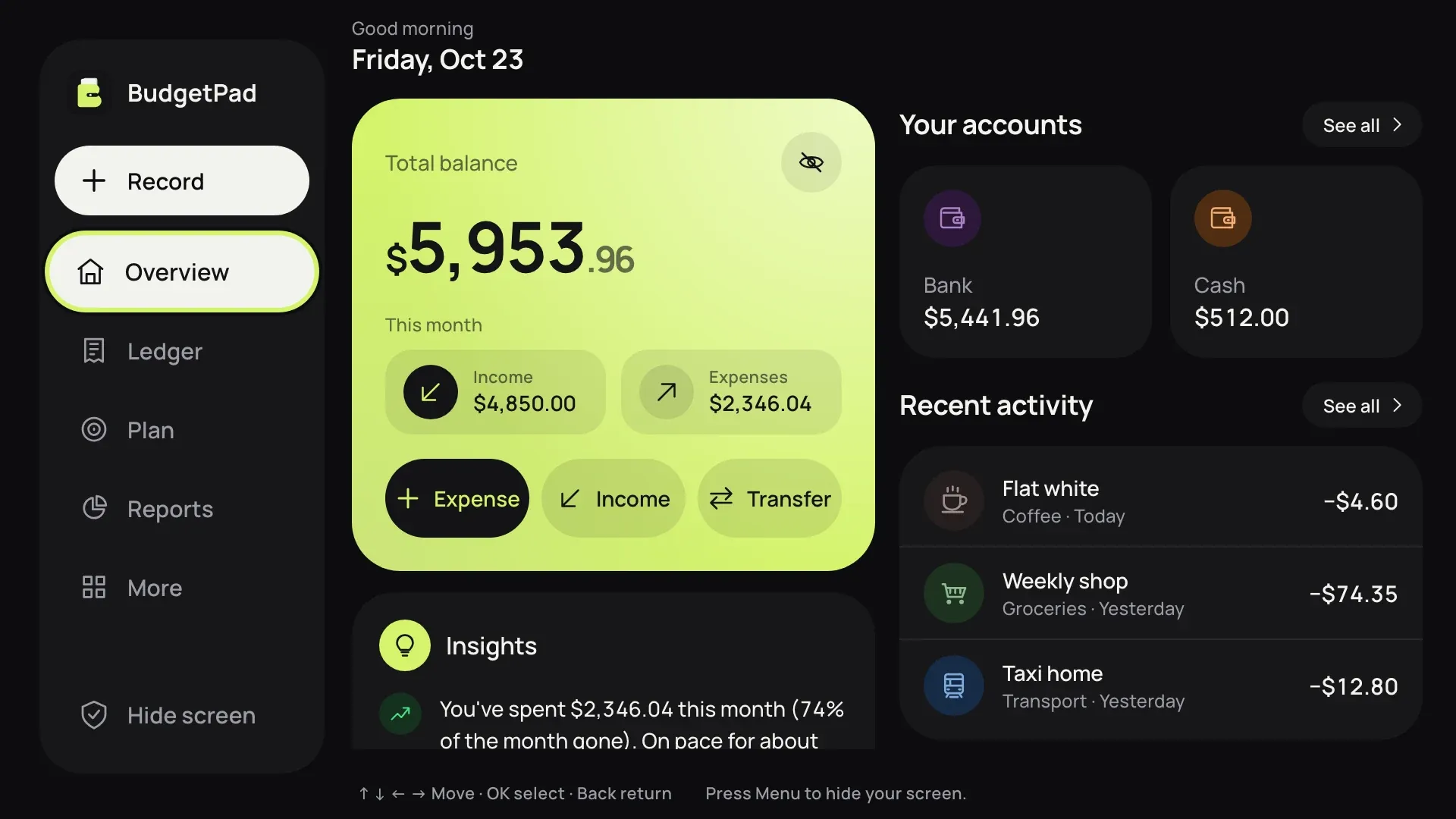
BudgetPad does not request internet access, so your entries, receipt photos and reports stay where they are. Lock it with a PIN and unlock with your fingerprint or face.

Cash, bank and cards, each with its balance, adding up to your net worth.
Start the budget month on any day from the 1st to the 28th, and get alerts at 80% and when a budget goes over.
Break spending down by category or account, with six months of history and a balance trend. The exact figures sit under every chart.
Save frequent entries as bookmarks, duplicate one, or undo a delete. A hardware keyboard works on the keypad too.


Plays from YouTube when you press play.
6 screenshots from the Google Play listing — phone, tablet and TV.


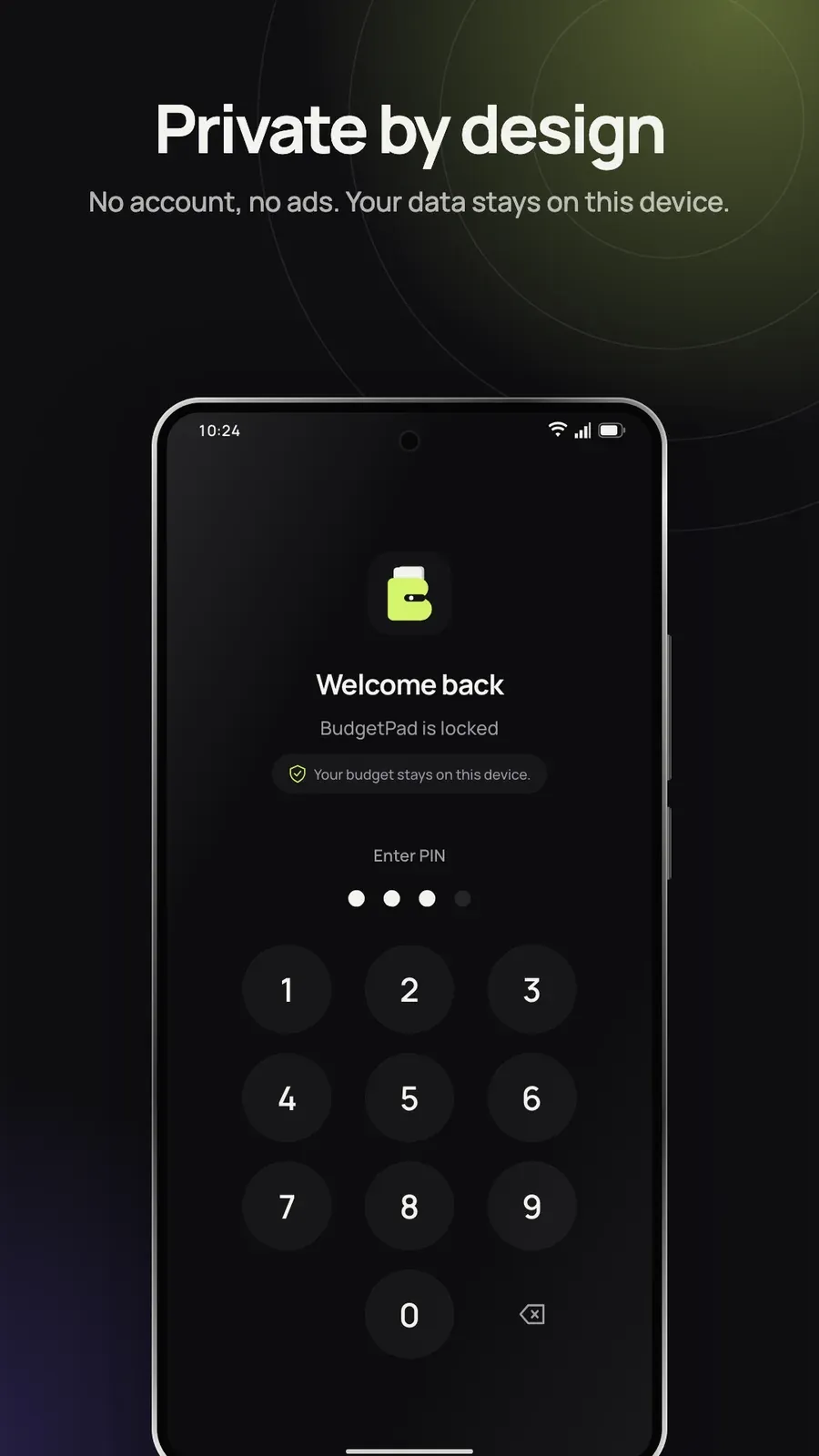
Nothing is stored in the cloud, so keep a backup file when you move to a new device.

$9.99 on Google Play — pay once, keep it. Also on the Amazon Appstore, as BudgetWise.


 SayboldPrivate voice typing, processed on your device.
 DropEmSend files to phones, TVs and PCs, with no internet.
 ColoriniA calm coloring book for kids aged 2 to 8.
 PlainPageScan, search and sign documents, privately.
 FLM StudioA complete music studio for phone, tablet and TV.
 Total OfficeDocs, sheets, slides and PDFs in one offline app.