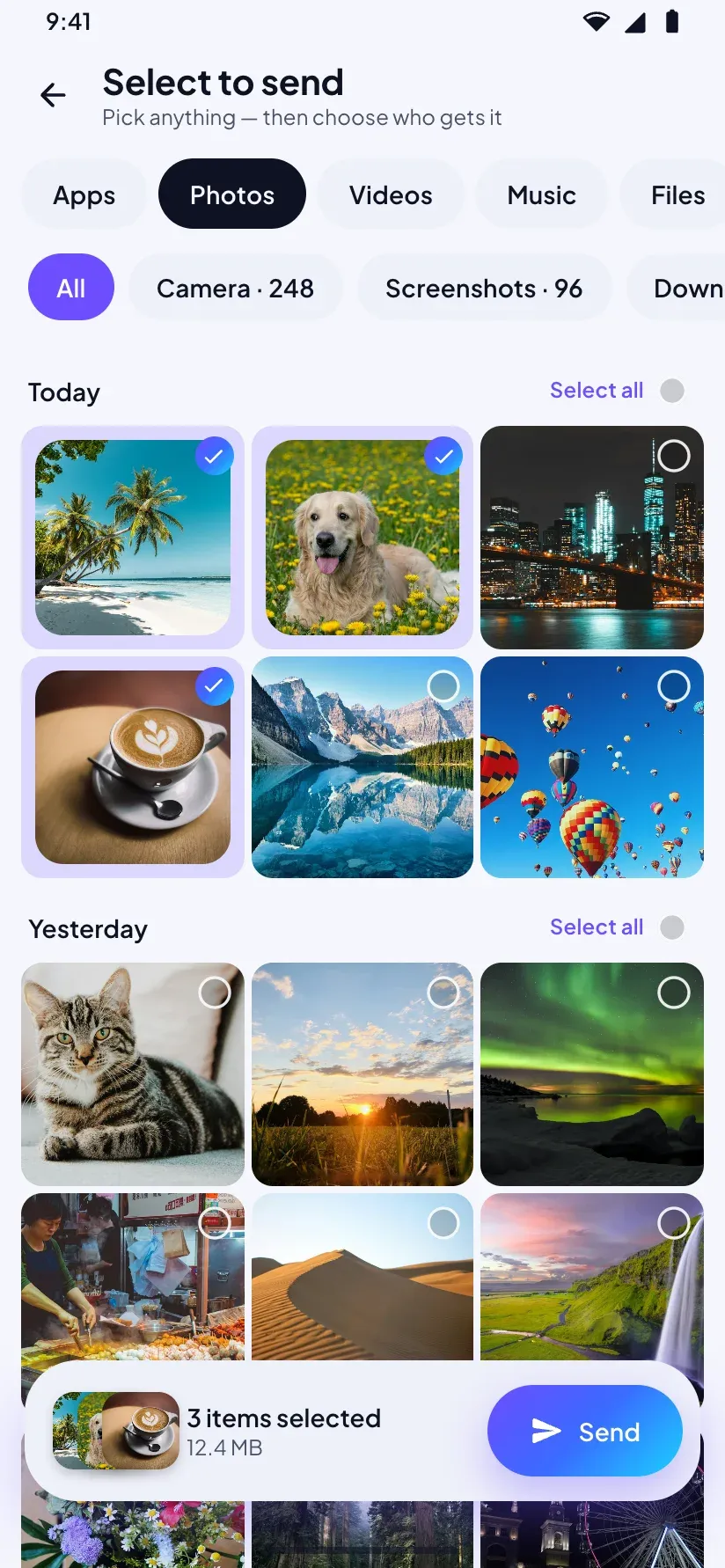
Pick anything
Photos and videos sorted by album and date, plus music, documents, apps, whole folders and contacts. Choose a few, then tap Send.
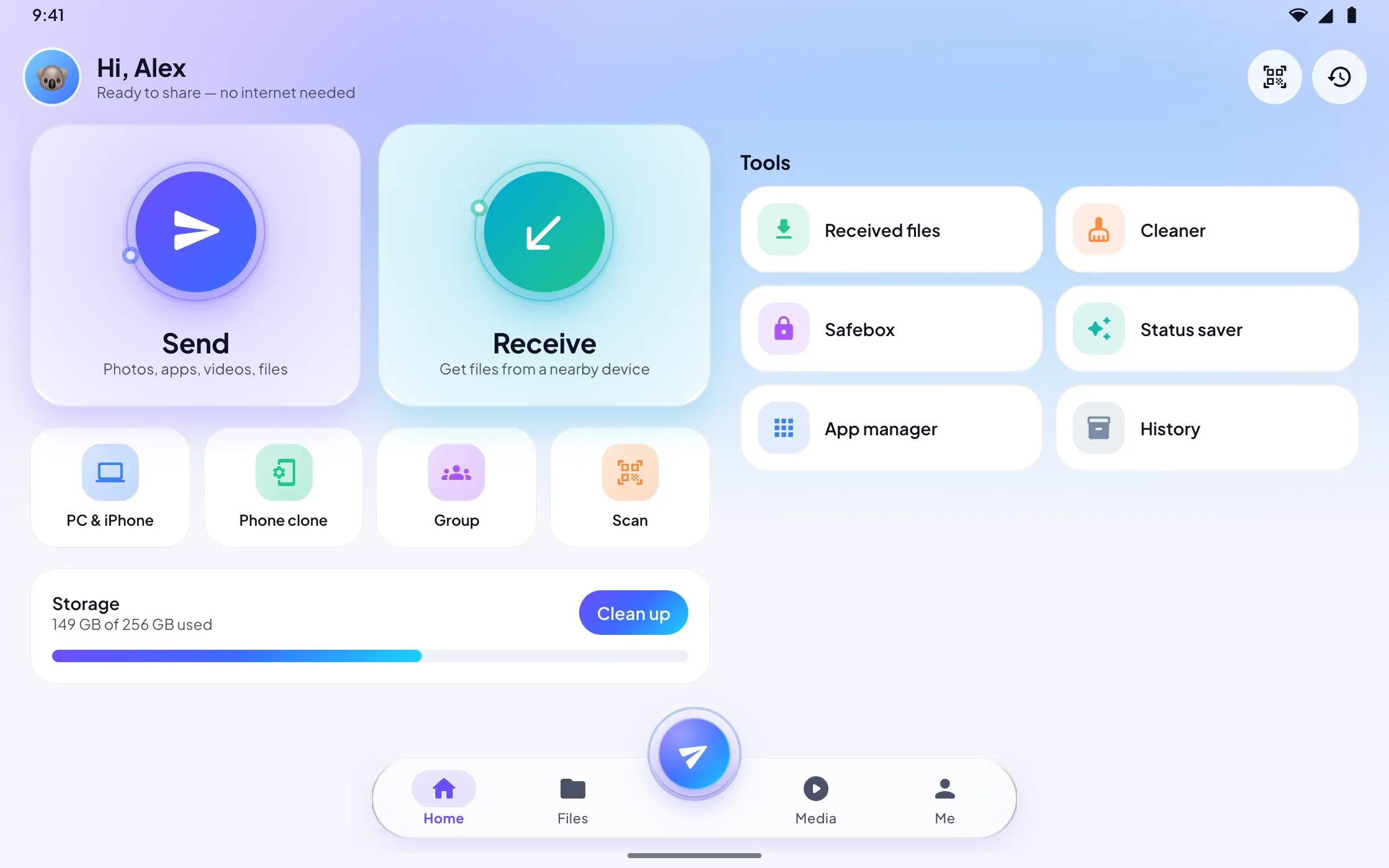
DropEm moves photos, videos, music, apps and documents between your devices in seconds, without internet, mobile data or cables. Pick what to send, tap the device that should get it, and it goes straight there — with no ads, no account and no in-app purchases.
Send files to phones, TVs and PCs, with no internet.

Photos and videos sorted by album and date, plus music, documents, apps, whole folders and contacts. Choose a few, then tap Send.
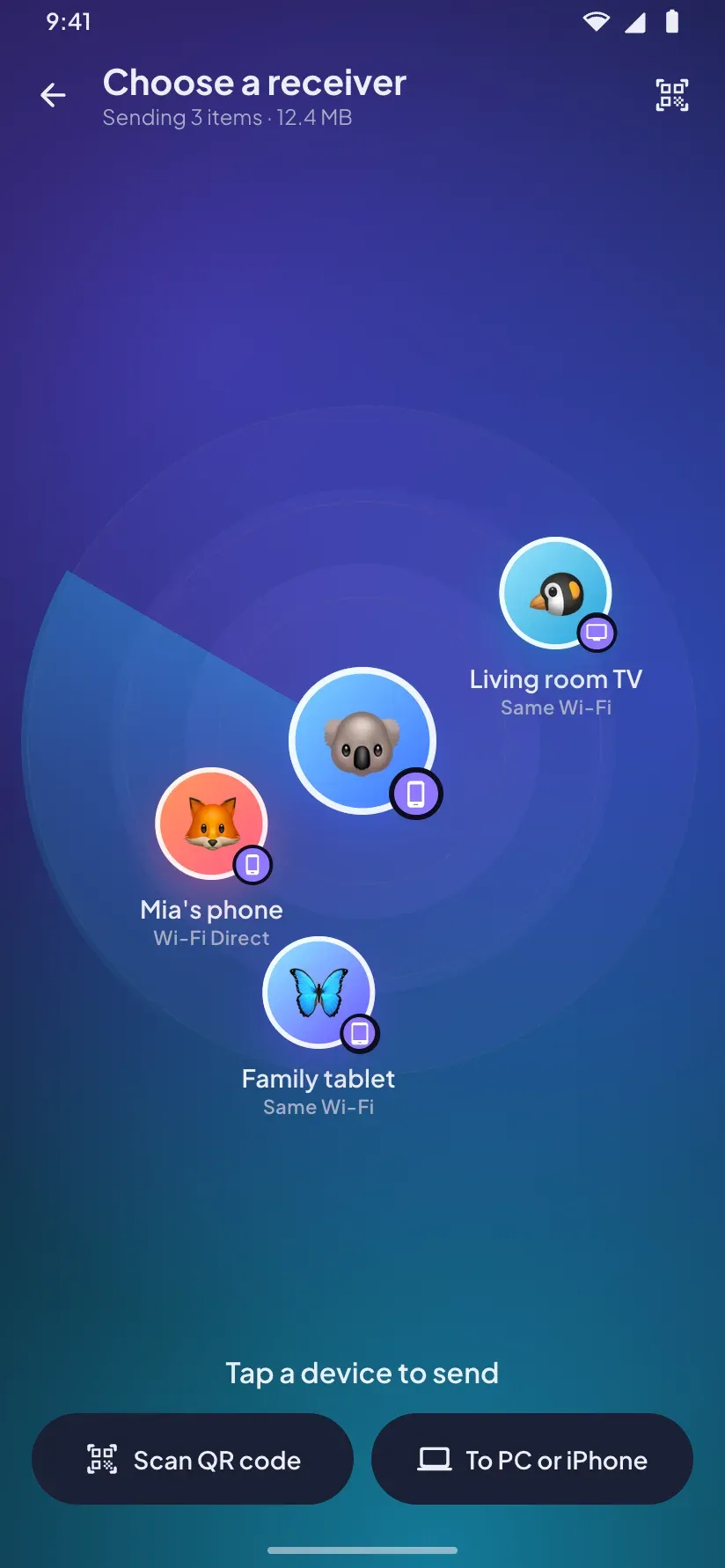
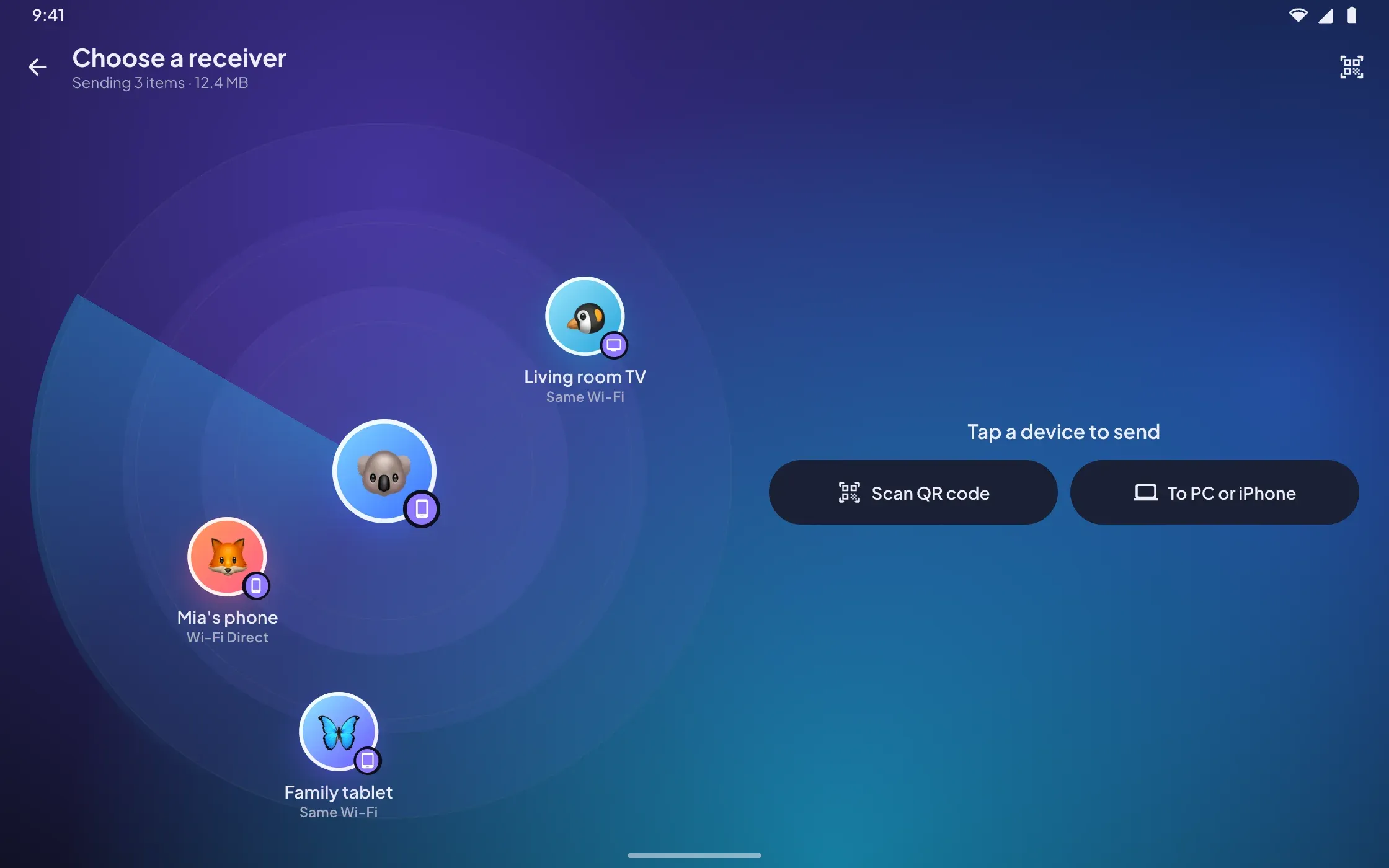
Nearby devices appear on a radar: tap one to send. Or scan a QR code to connect in one step, which is ideal for TVs.
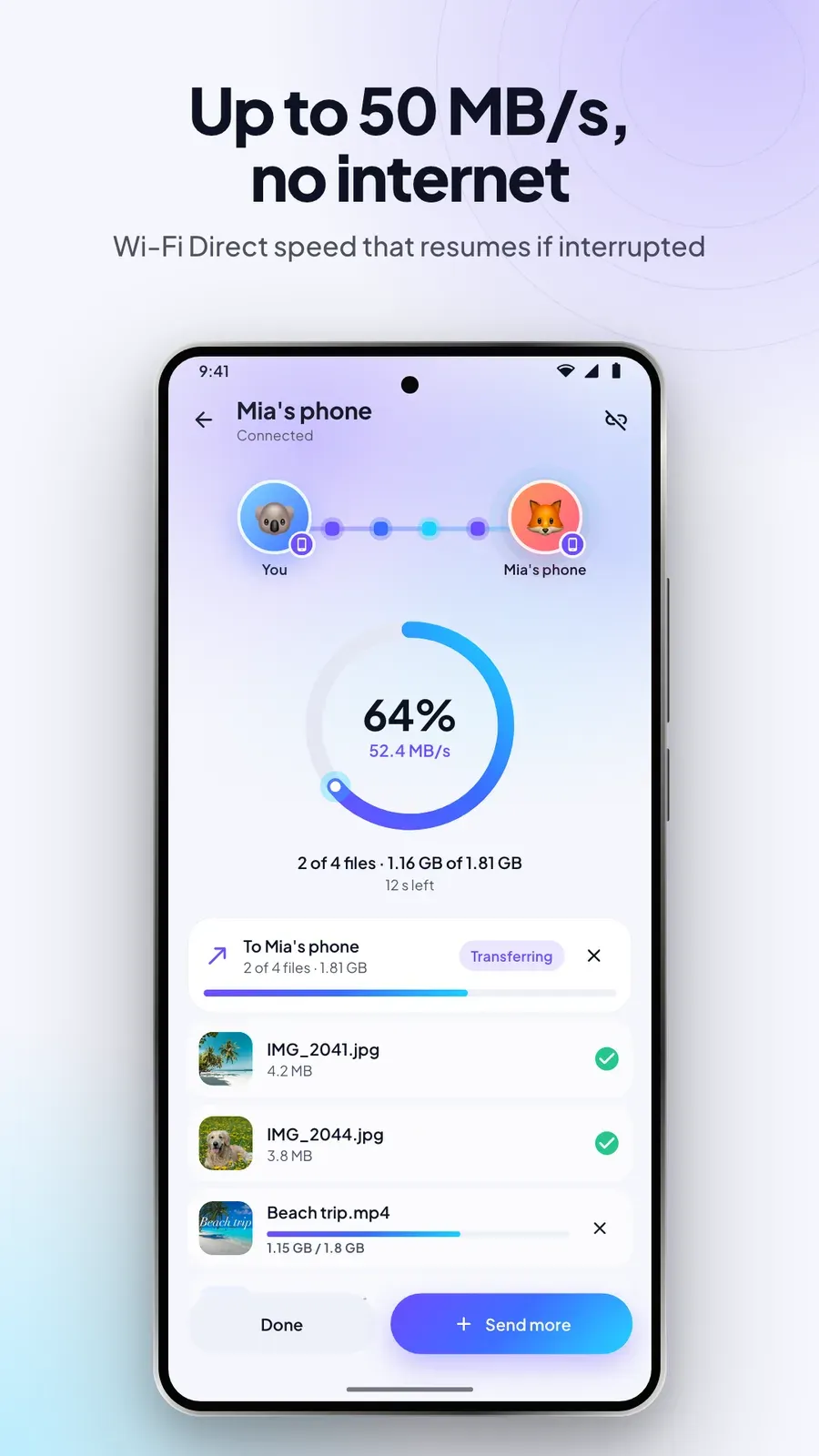
Much faster than Bluetooth, with no file size limit. If a transfer is interrupted, it picks up where it stopped instead of starting over.

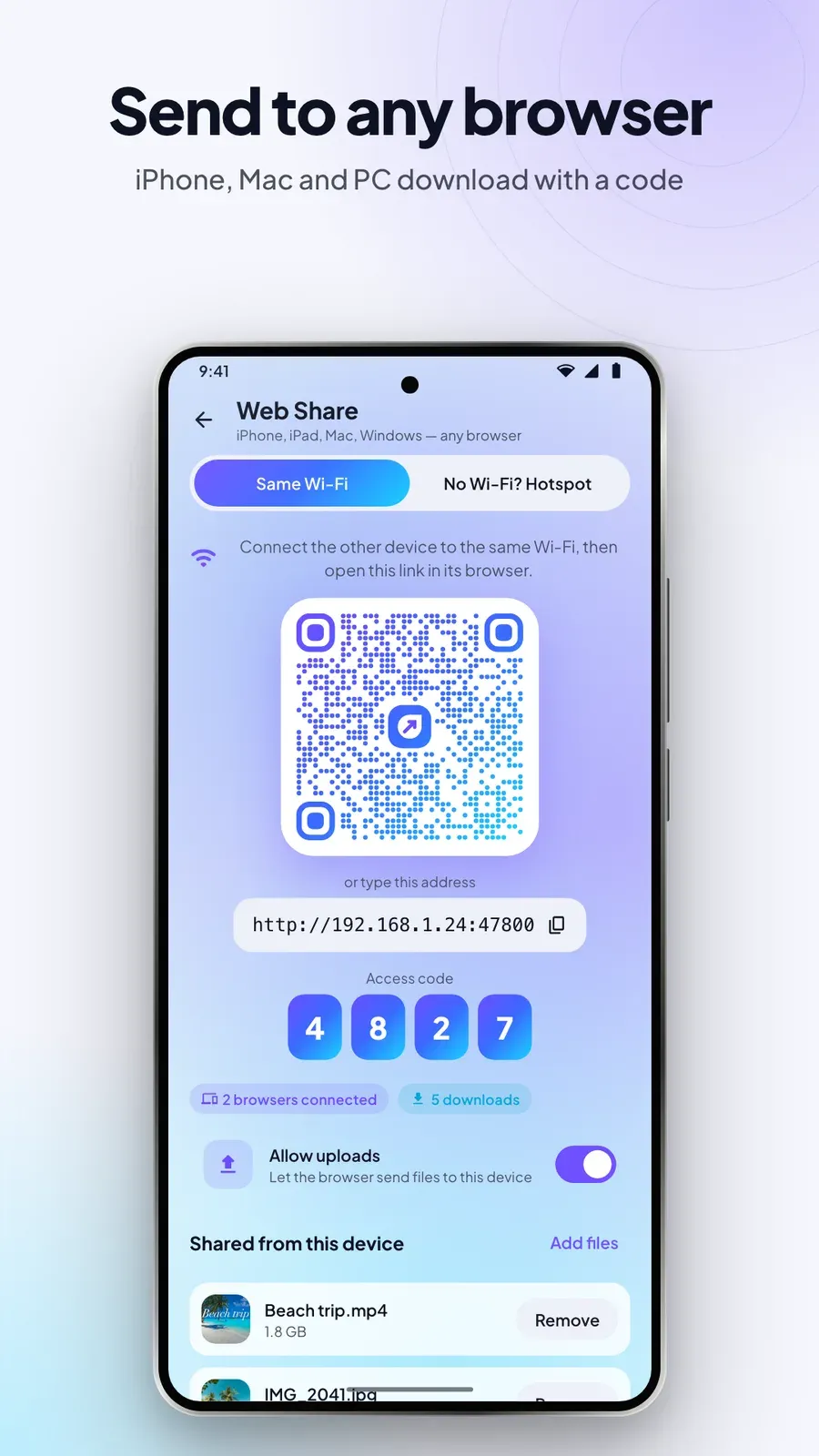
Web Share lets any browser on the same network download your files, grab everything as one ZIP or upload files back. A 4-digit code or a QR scan keeps strangers out.

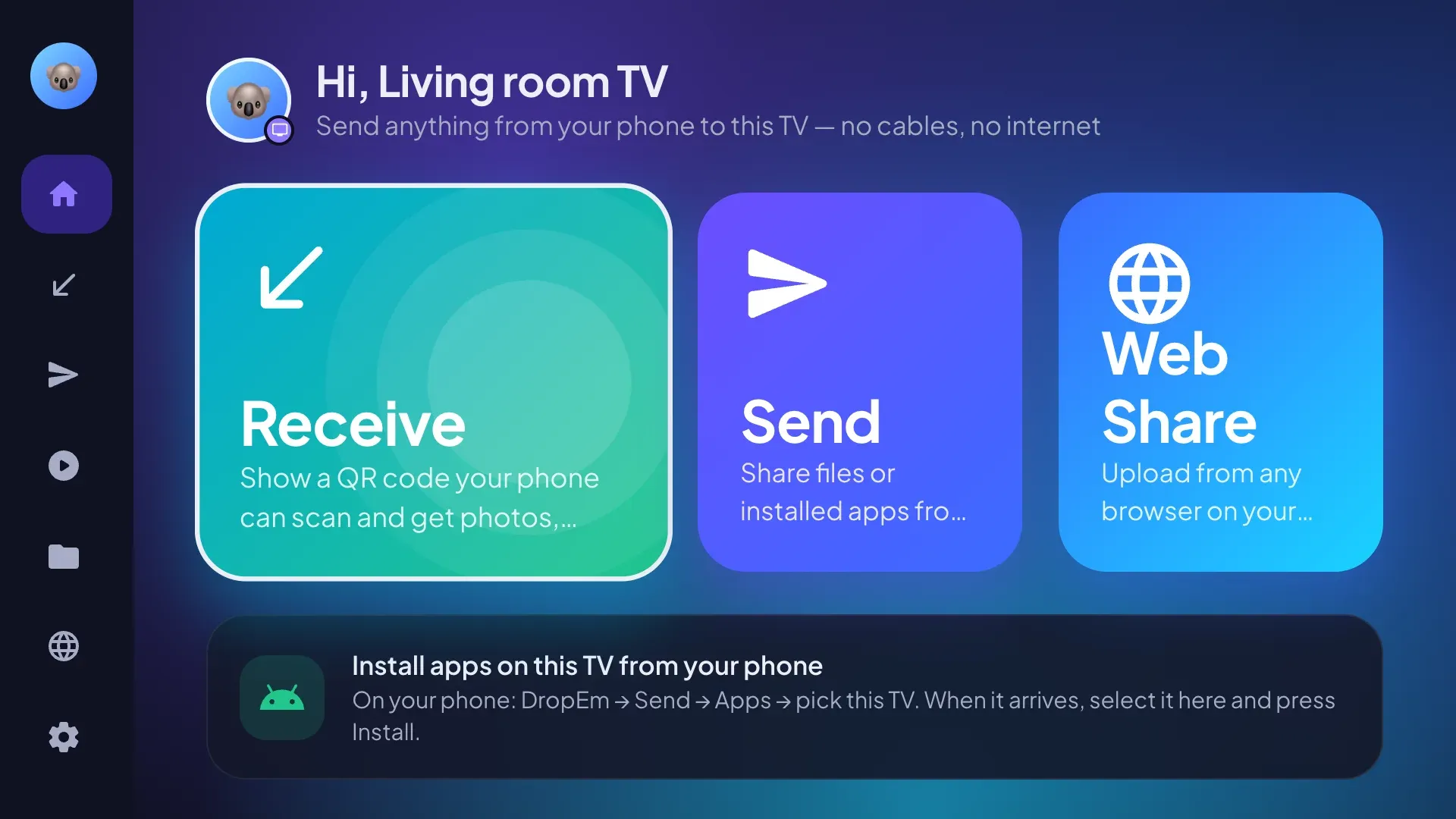
Send photos, videos and apps to Android TV or Google TV. The TV shows a QR code to scan, and its layout works entirely with the remote.

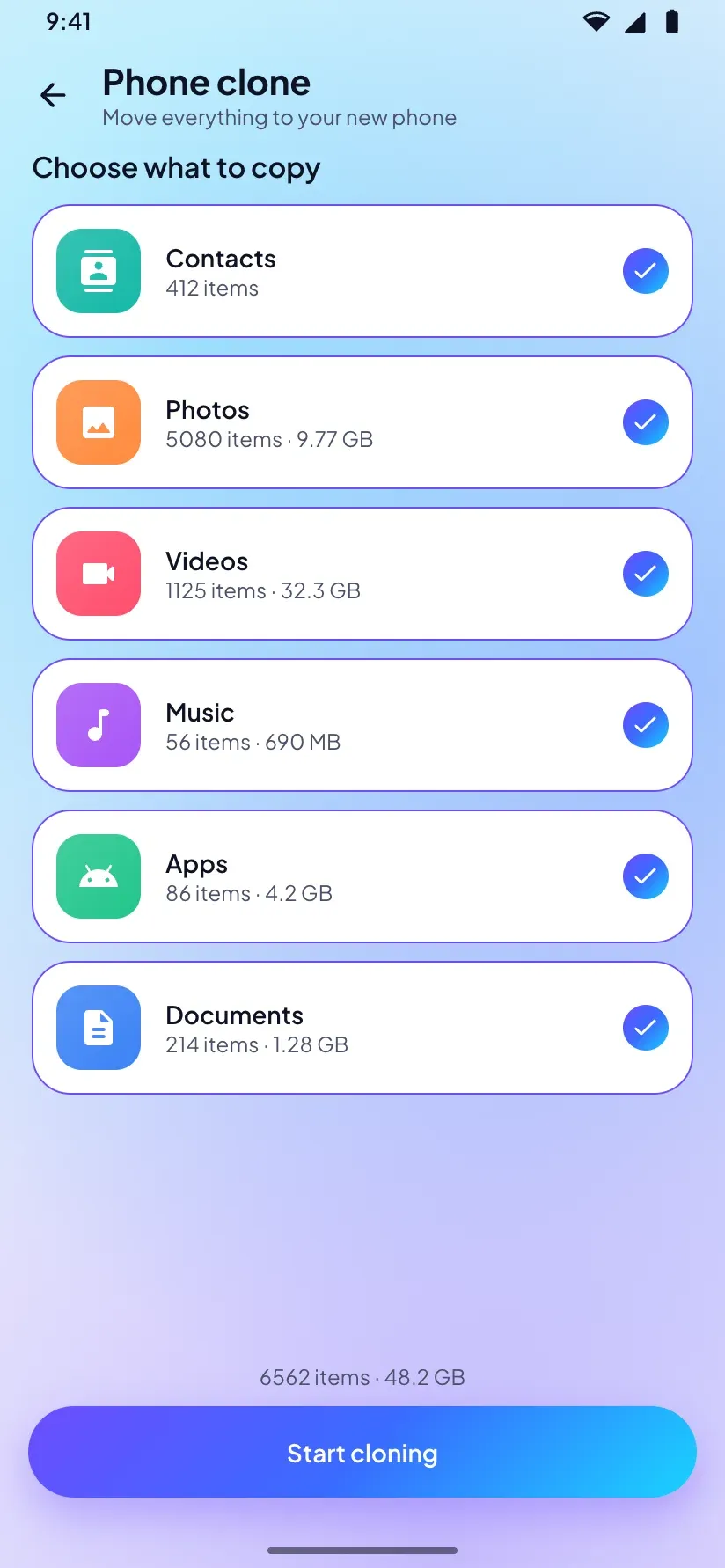
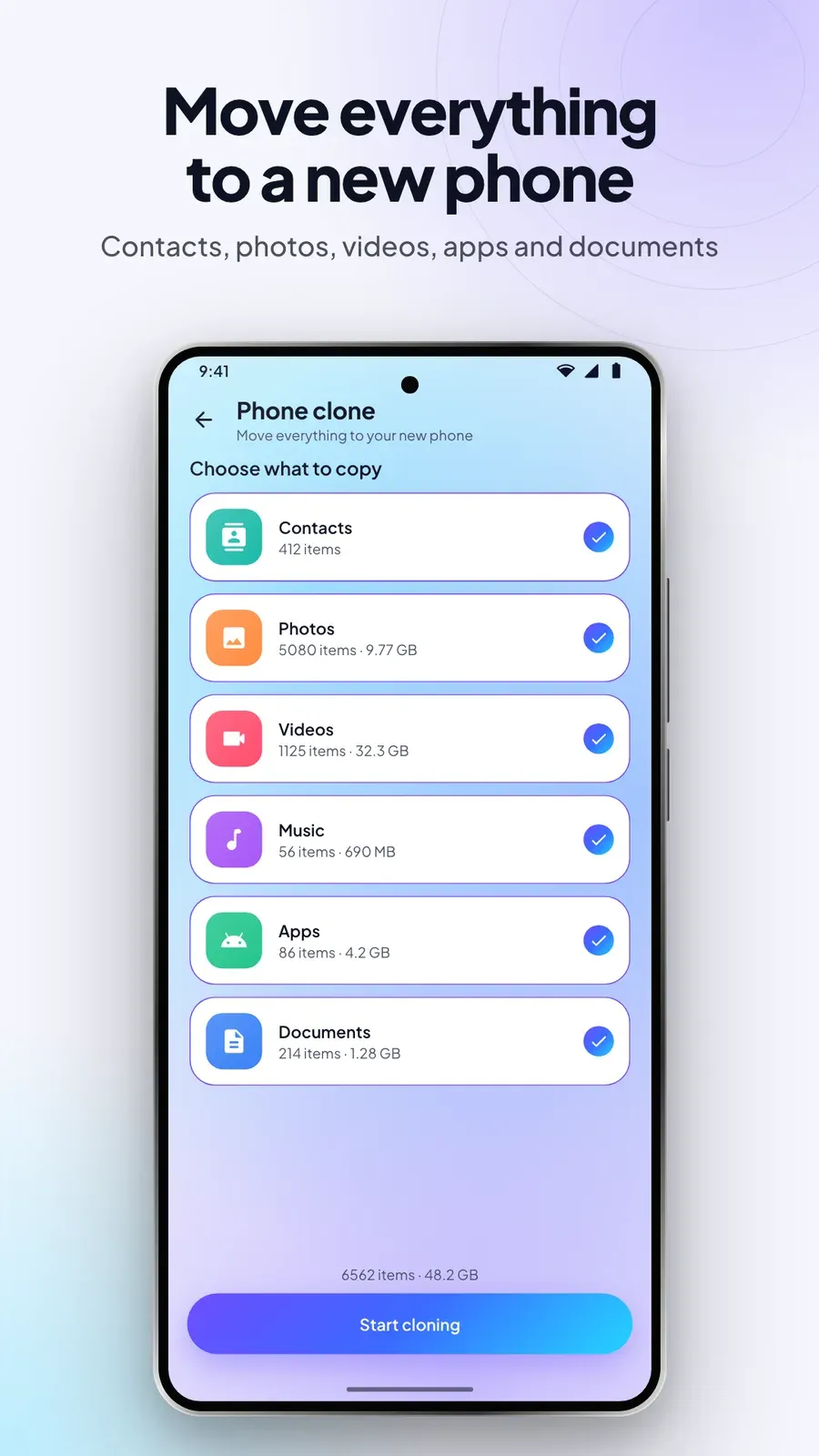
Phone clone copies your contacts, photos, videos, music, apps and documents from your old phone to the new one, directly from device to device.
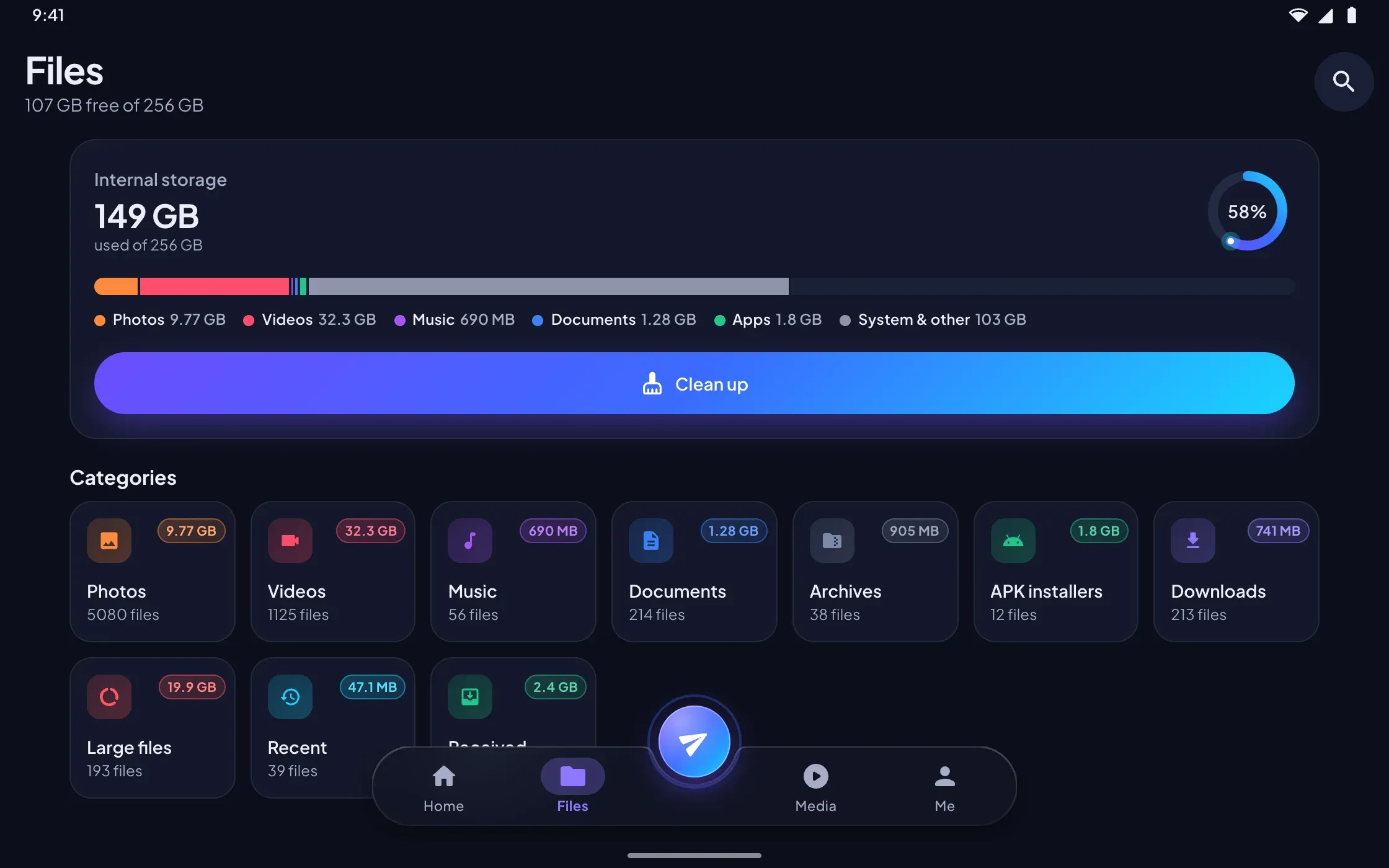
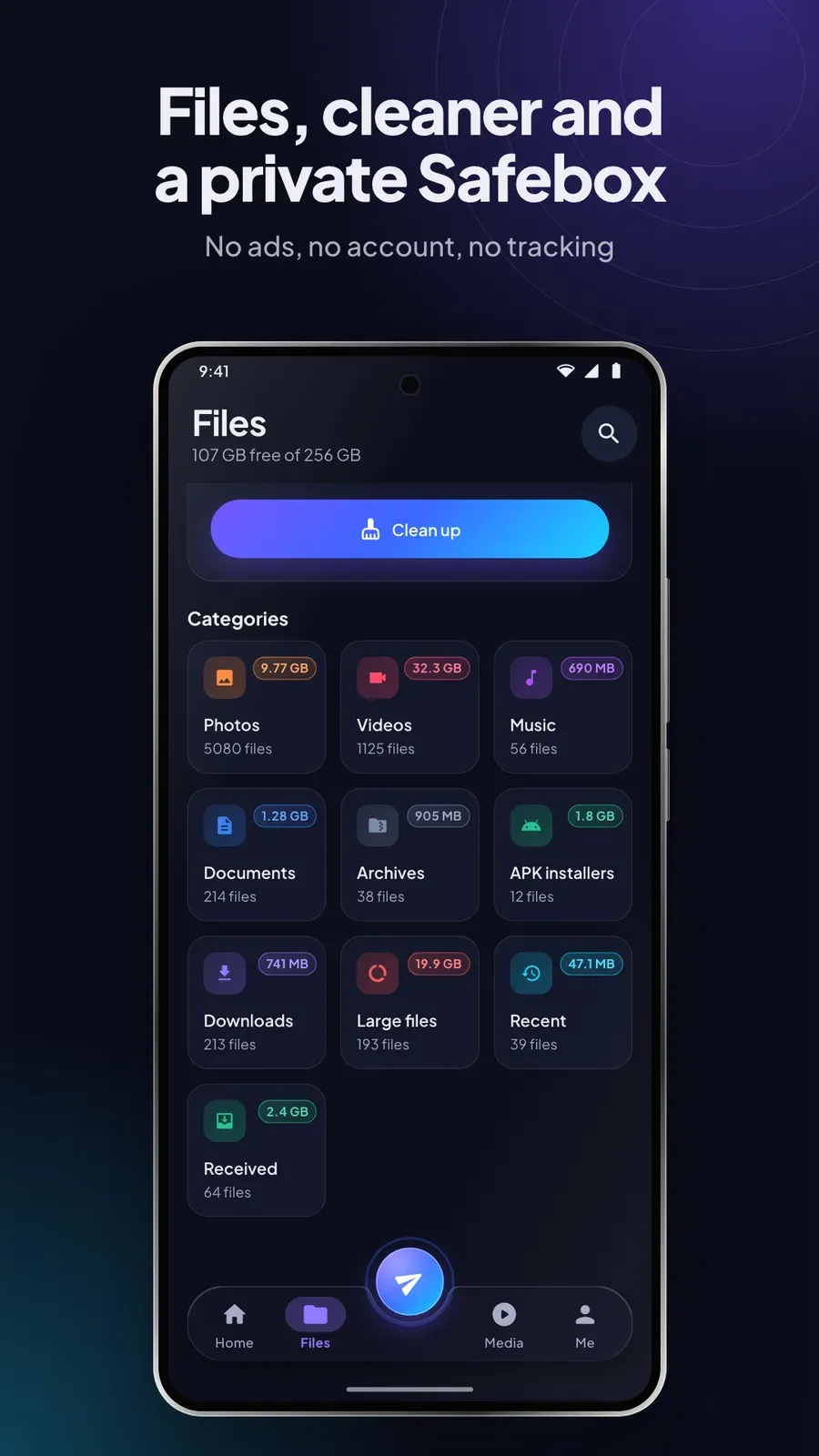
A file manager with a storage overview, categories and search, and a cleaner for junk files, duplicates, large files and leftover installers.
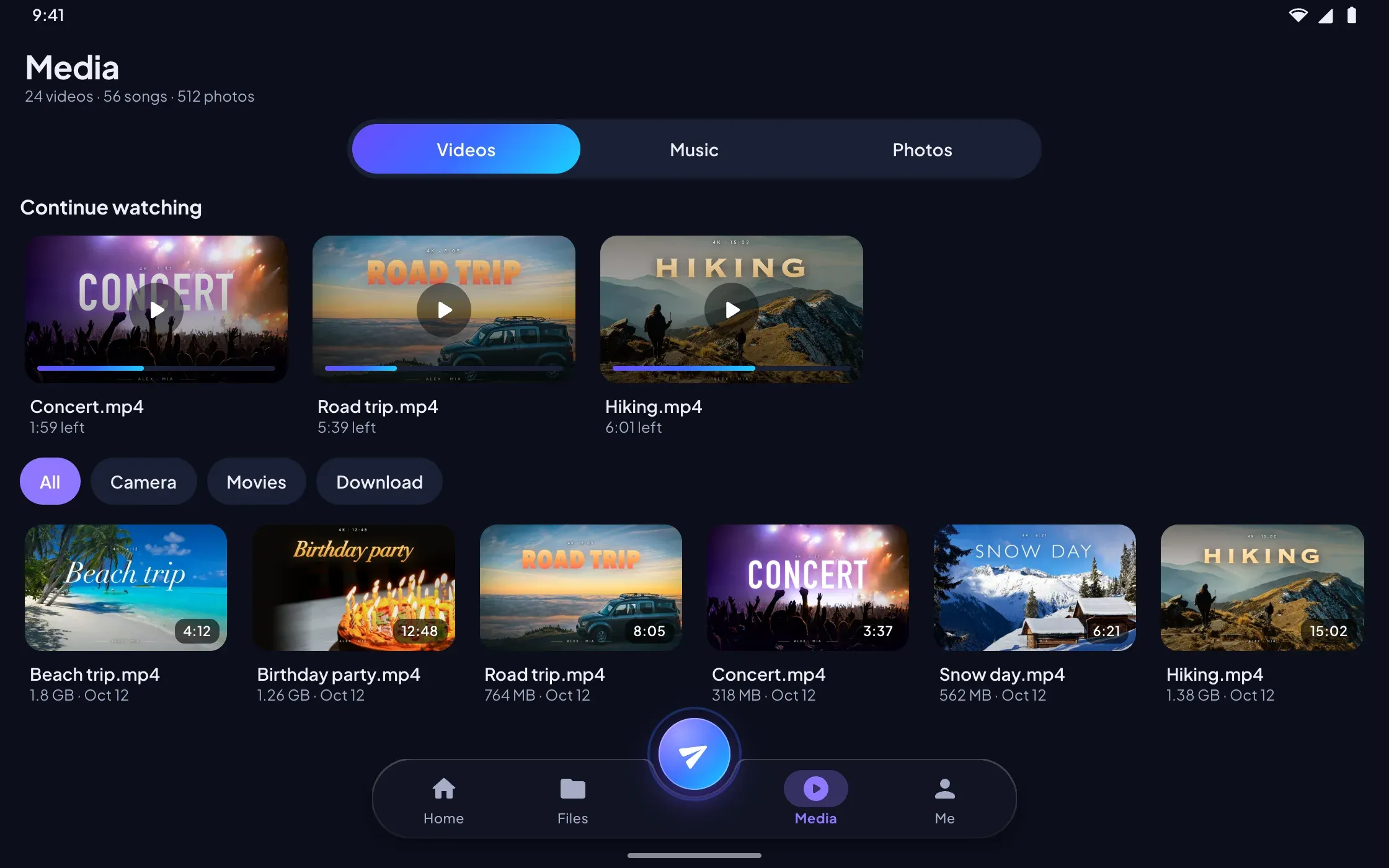
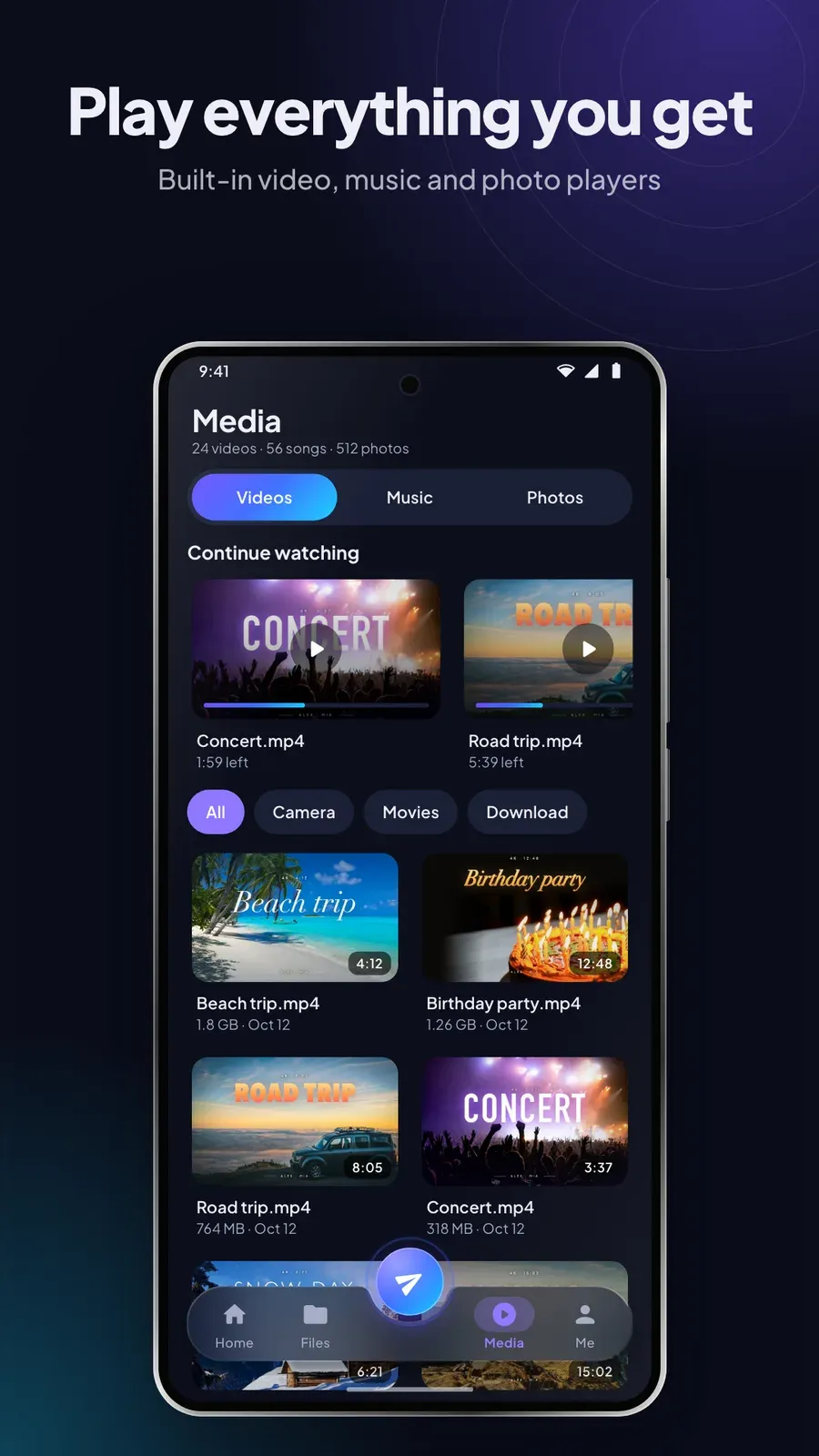
A video player with gestures, picture-in-picture and subtitles, and a music player with background playback, an equalizer and a sleep timer.
Group sharing sends to several devices at once, and trusted devices connect without asking every time.
Received files, an AES-256 encrypted Safebox, a status saver, an app manager and a history of every transfer with one-tap resume.
Plays from YouTube when you press play.
8 screenshots from the Google Play listing — phone, tablet and TV.
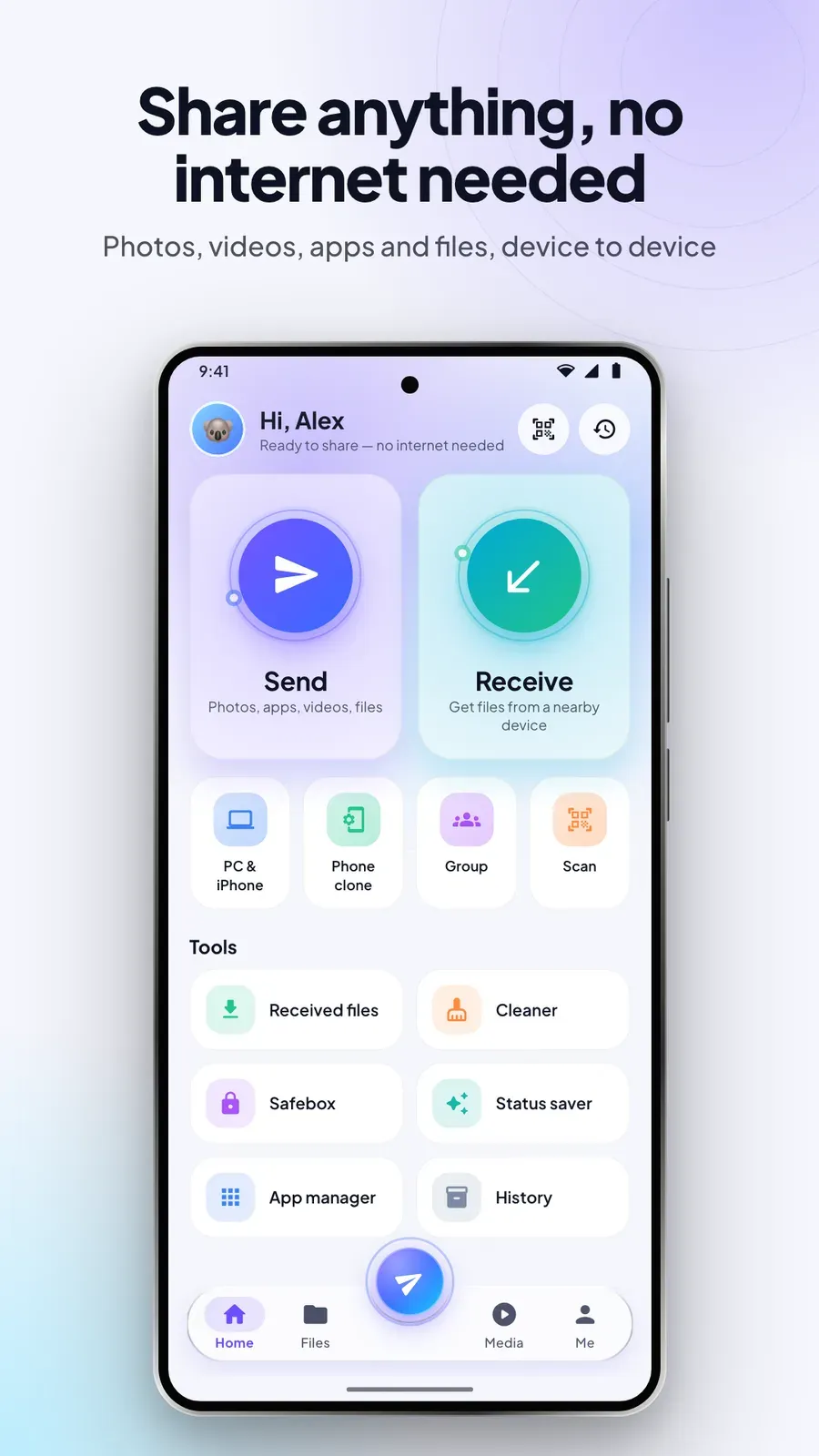
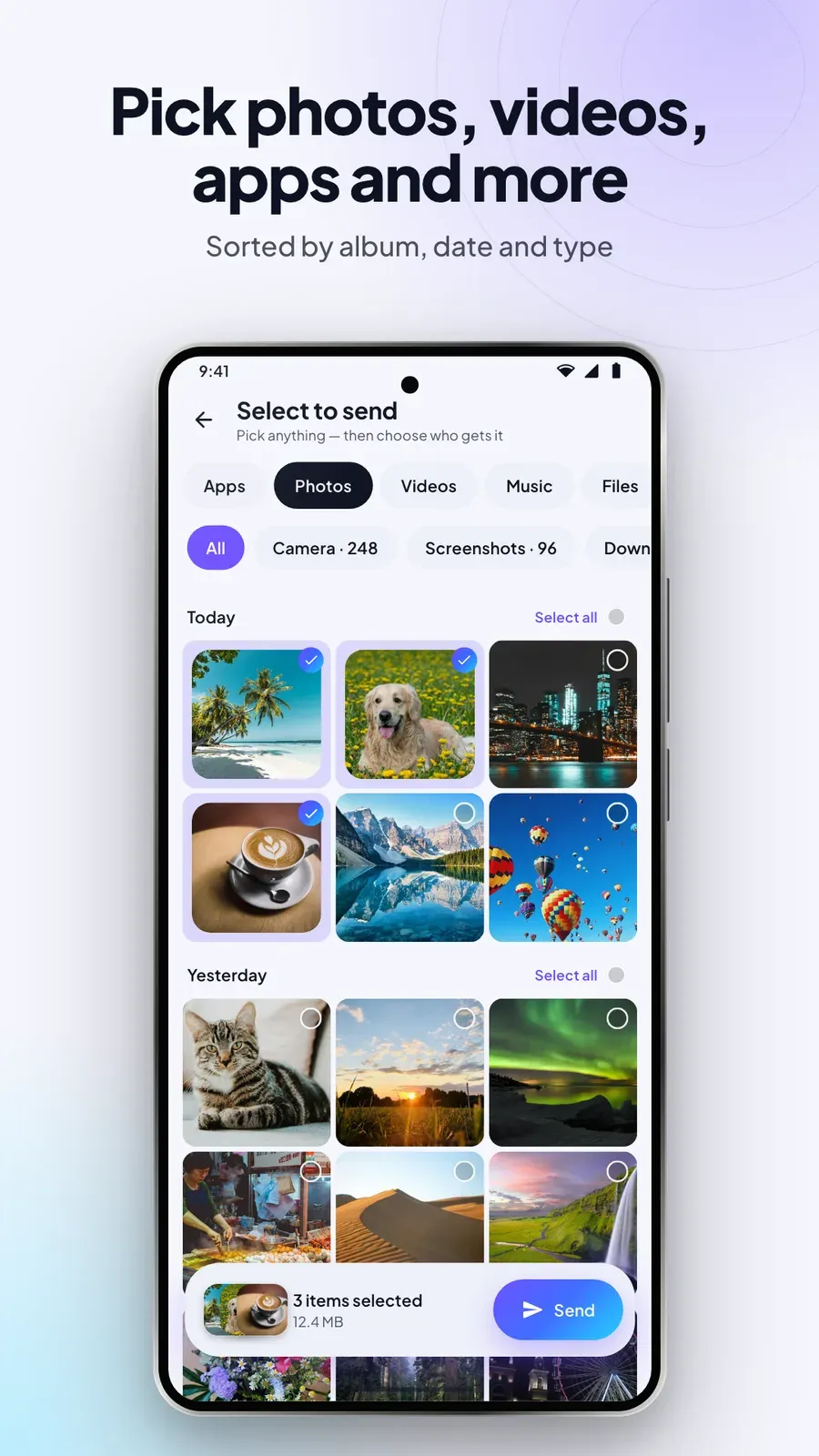
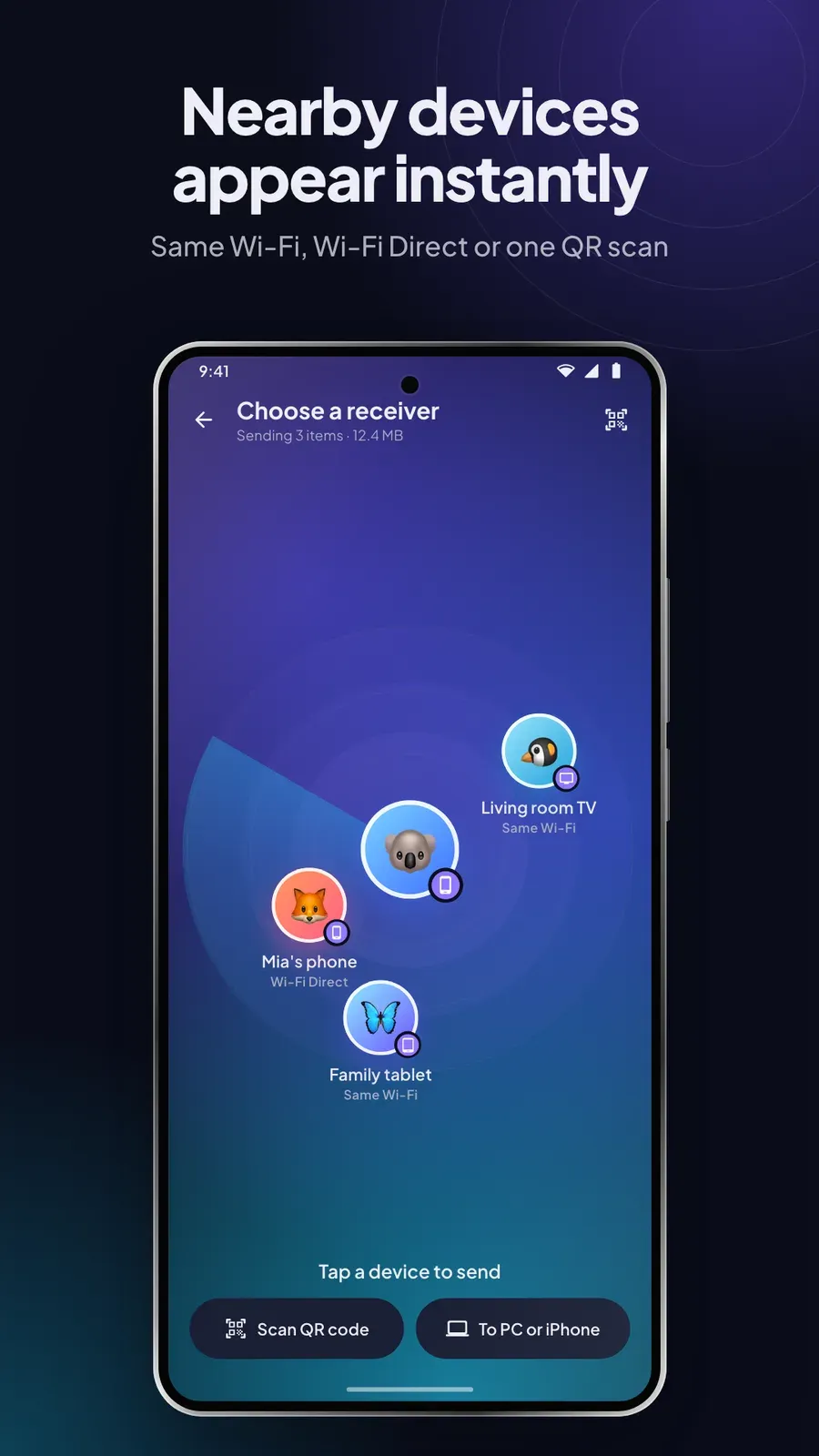
Both devices need DropEm, except with Web Share. Wi-Fi must be on, but no internet connection is used. Some workplace and public networks block device discovery; scanning the QR code connects anyway.

$9.99 on Google Play — pay once, keep it.

 SayboldPrivate voice typing, processed on your device.
 ColoriniA calm coloring book for kids aged 2 to 8.
 PlainPageScan, search and sign documents, privately.
 BudgetPadA private budget calculator and spending tracker.
 FLM StudioA complete music studio for phone, tablet and TV.
 Total OfficeDocs, sheets, slides and PDFs in one offline app.