Documents that look finished
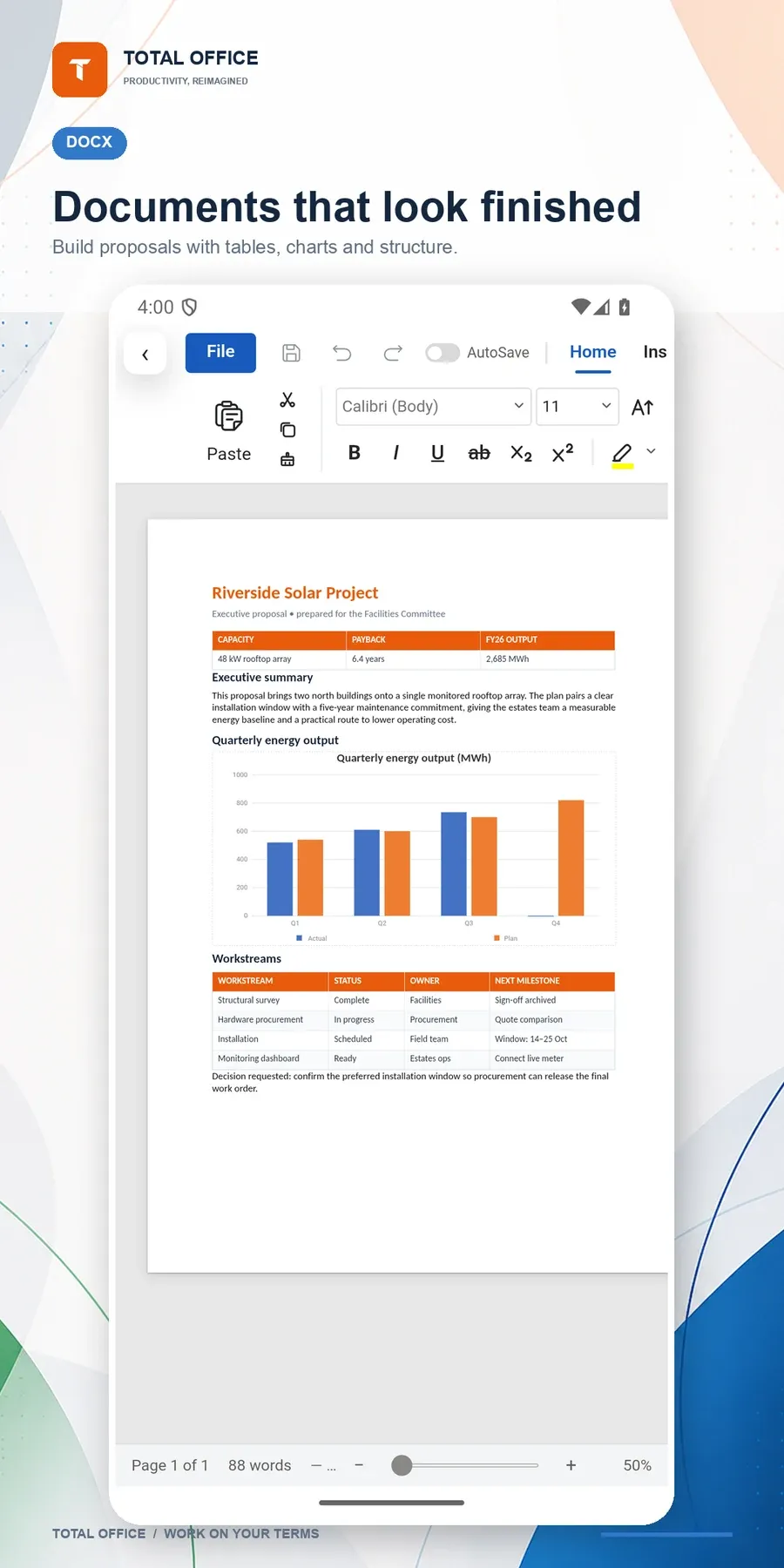
Headings, lists, tables and images in real DOCX files, with find and replace and a formatting toolbar built for touch.


Total Office opens and edits Word, Excel and PowerPoint files, annotates PDFs and sends them to the printer — without an account, a subscription or a network connection.
Docs, sheets, slides and PDFs in one offline app.




Headings, lists, tables and images in real DOCX files, with find and replace and a formatting toolbar built for touch.
Open XLSX, XLSM and CSV workbooks, edit any cell, enter formulas and switch sheet tabs.
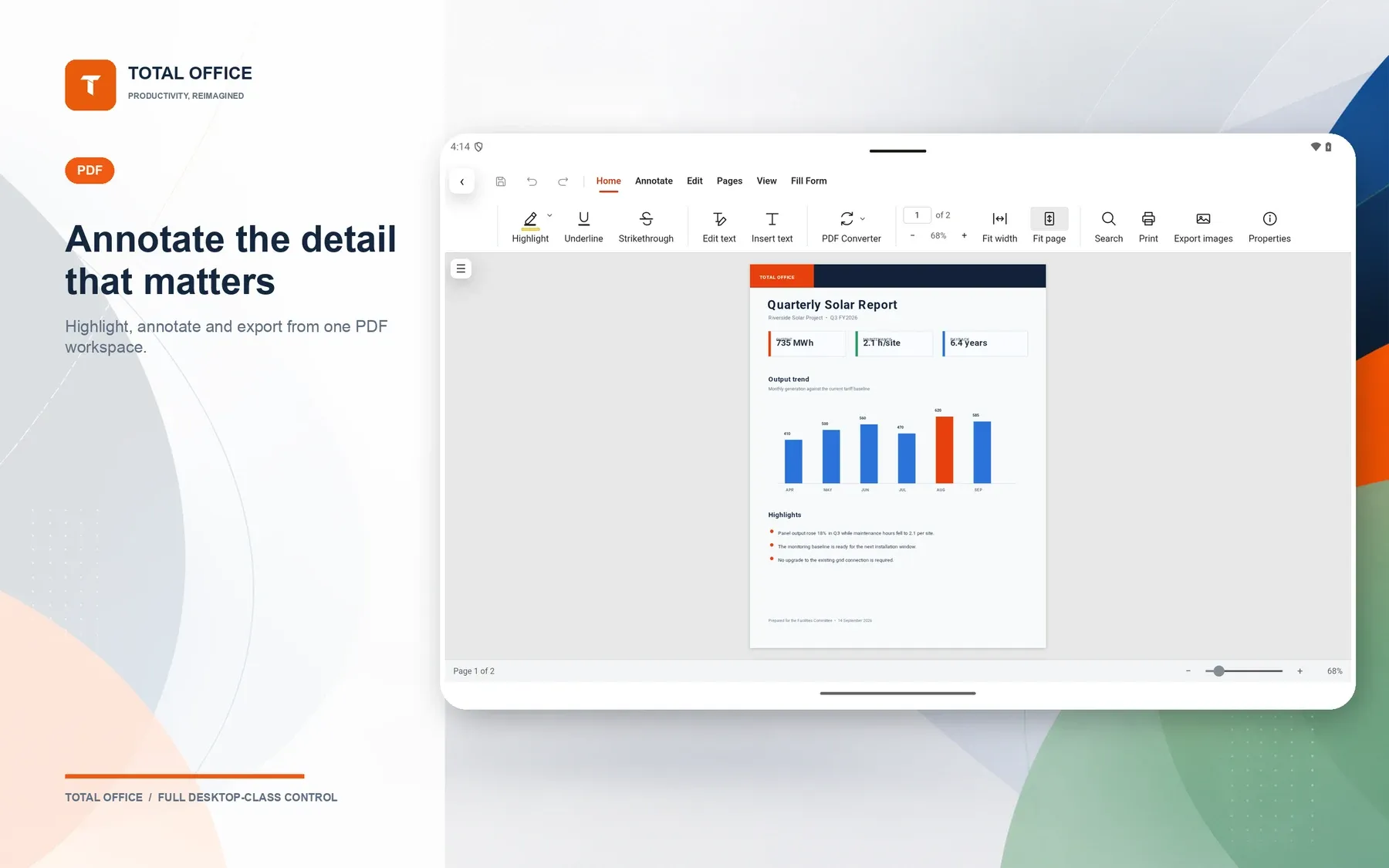
Read PDFs and mark them up. Annotations are written back into the file itself.

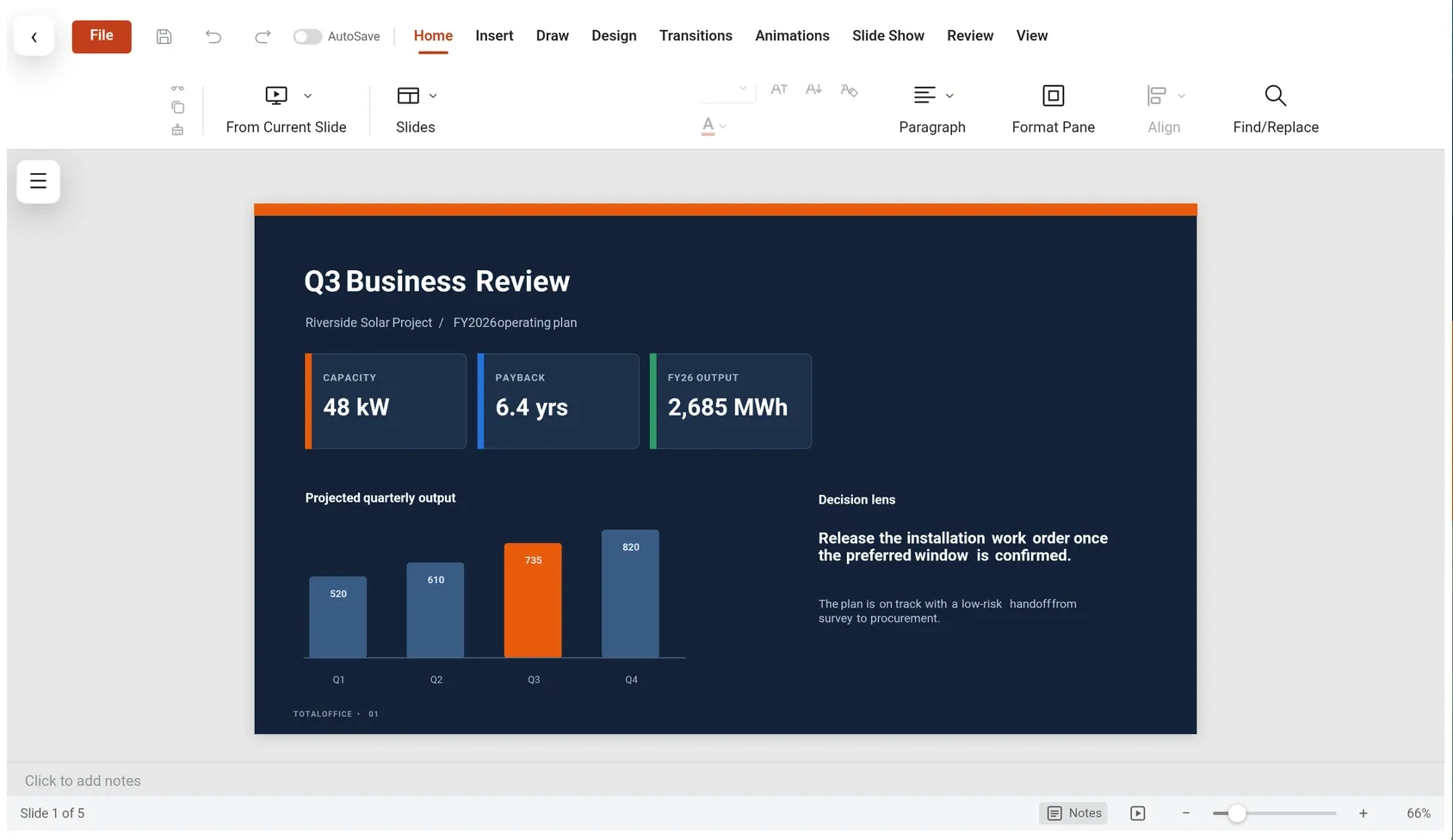
Create PPTX decks and review them with slide thumbnails, previous and next controls and a clean full-slide view on any screen.
Highlight, underline, strike out, draw freehand, add arrows, boxes and sticky notes. Then print it, or share it back in its original format.

DOCX, XLSX, PPTX, PDF, CSV, Markdown and plain text. Older .doc, .xls and .ppt files convert automatically.
Edit any cell and save the workbook back to the original file.
Send files back out as DOCX, XLSX or PPTX so colleagues open them in Word, Excel or PowerPoint.
A full-slide view that adapts to portrait and landscape.
English, Spanish, German, French, Italian, Japanese and Brazilian Portuguese. Switch any time from the home screen.


12 screenshots from the Google Play listing — phone and tablet.





Use your own drive app or the share sheet when you need to move files between devices.

$4.99 on Google Play — pay once, keep it. Also on the Amazon Appstore.


 SayboldPrivate voice typing, processed on your device.
 PlainPageScan, search and sign documents, privately.
 BudgetPadA private budget calculator and spending tracker.
 FLM StudioA complete music studio for phone, tablet and TV.
 Kiosk Wall PanelTurn a tablet or TV into a locked-down wall dashboard.
 Camera WallAll your local IP cameras on one calm screen.